Recognizing The Scarlet Sun
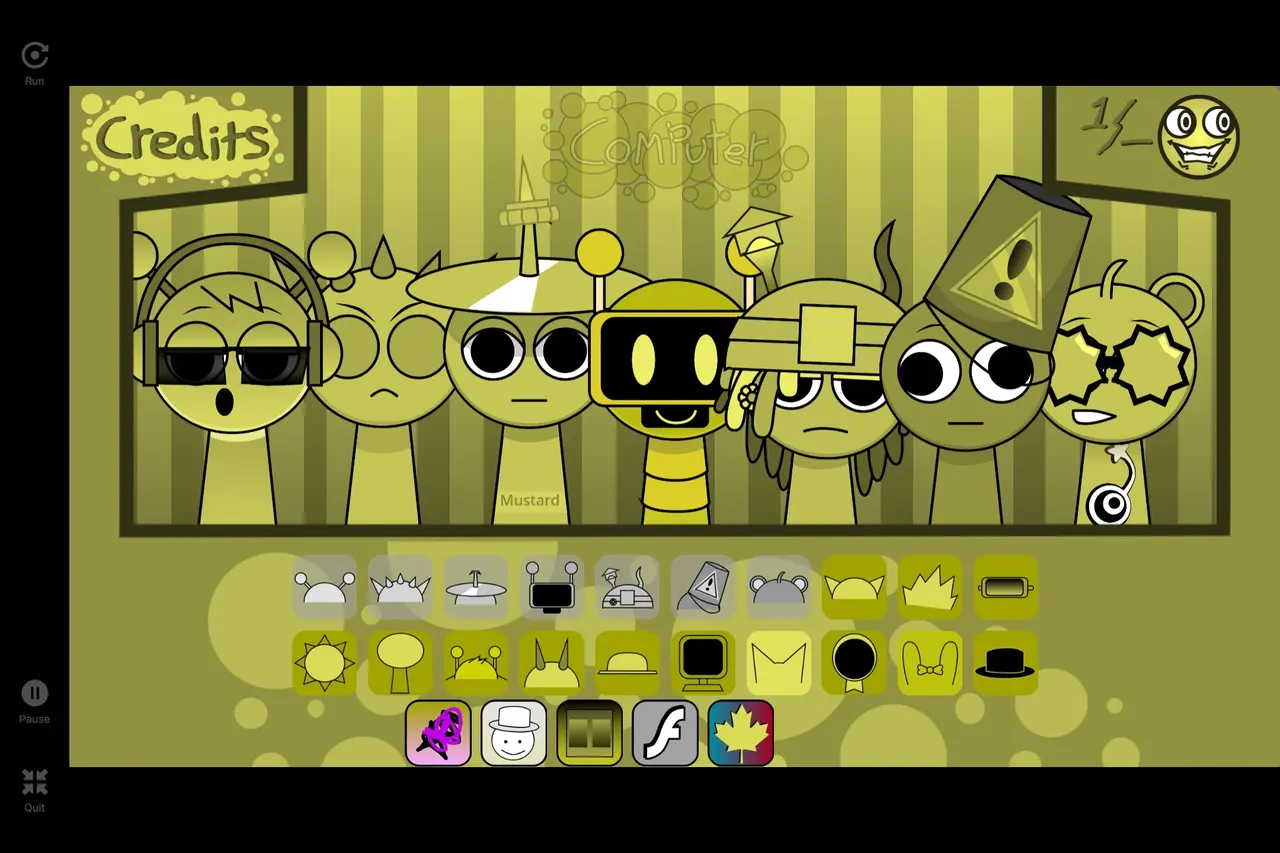
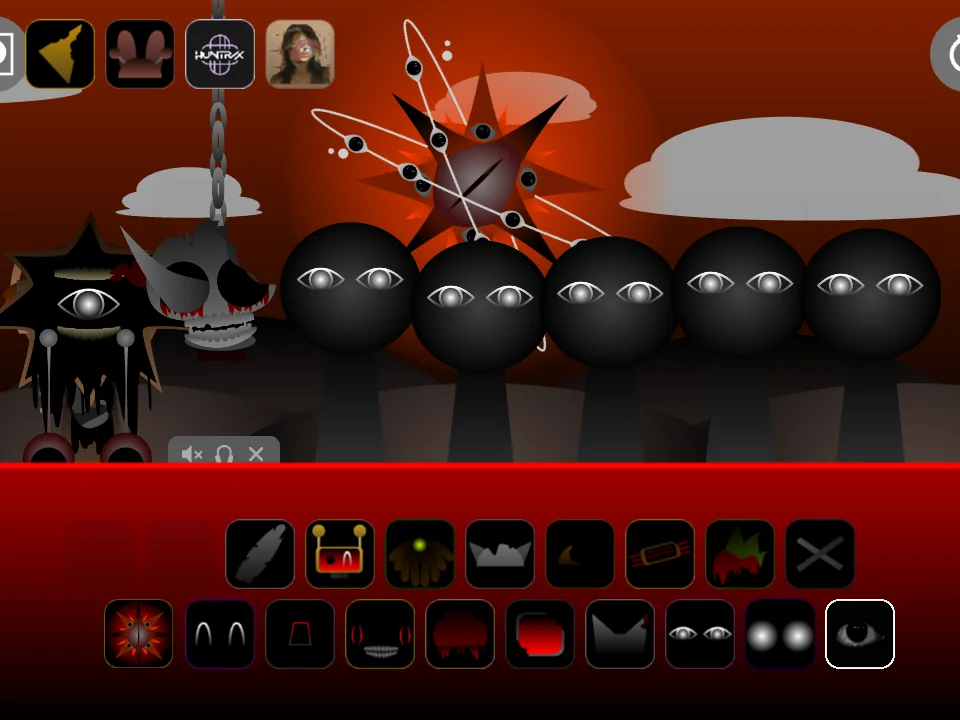
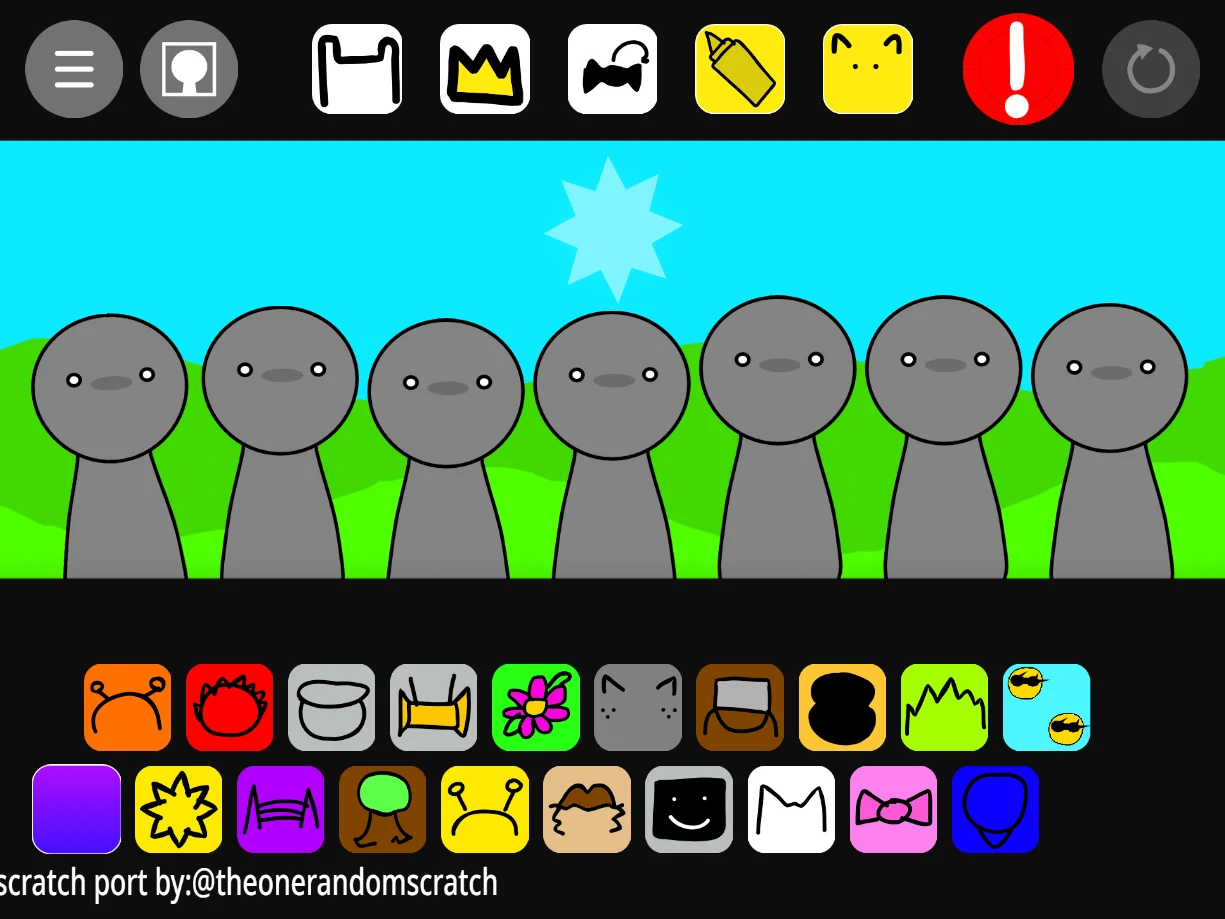
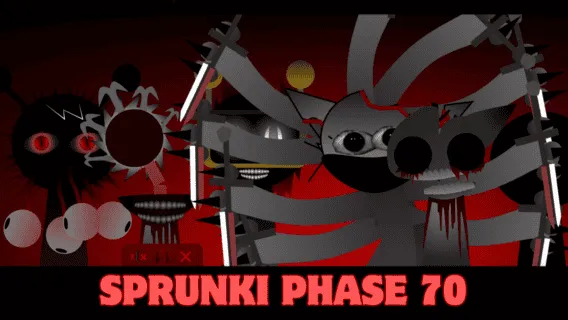
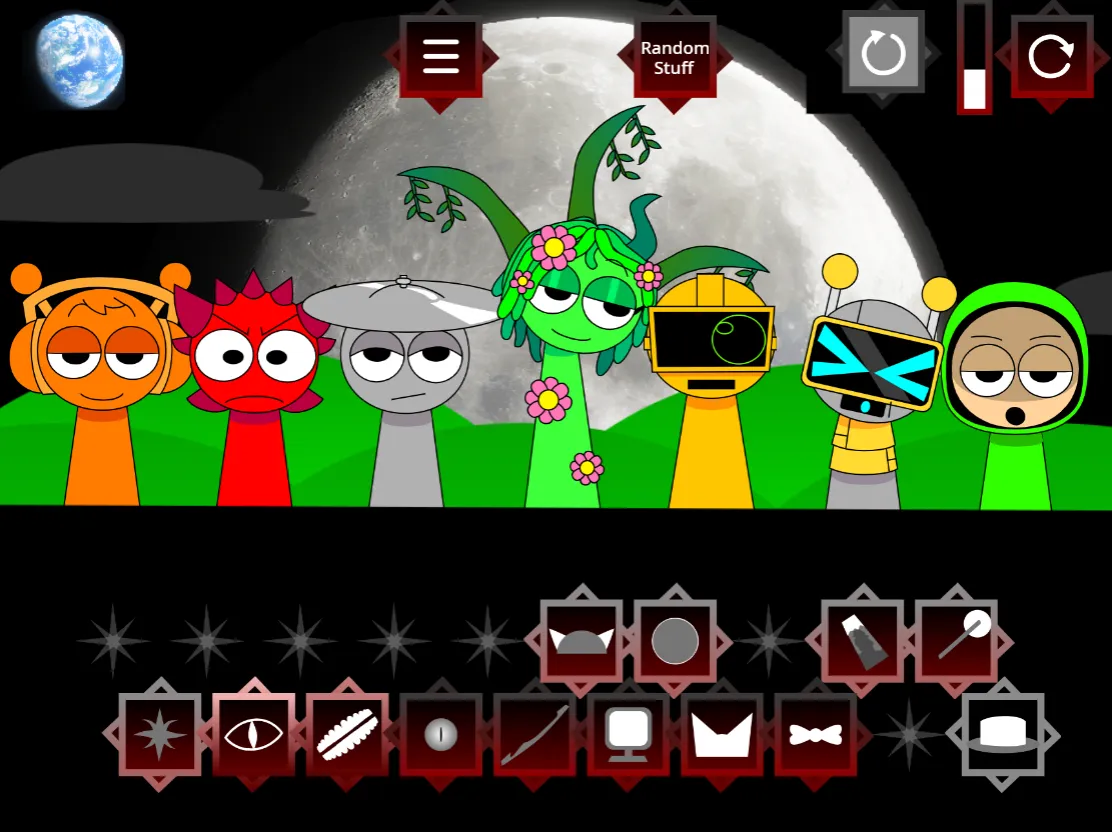
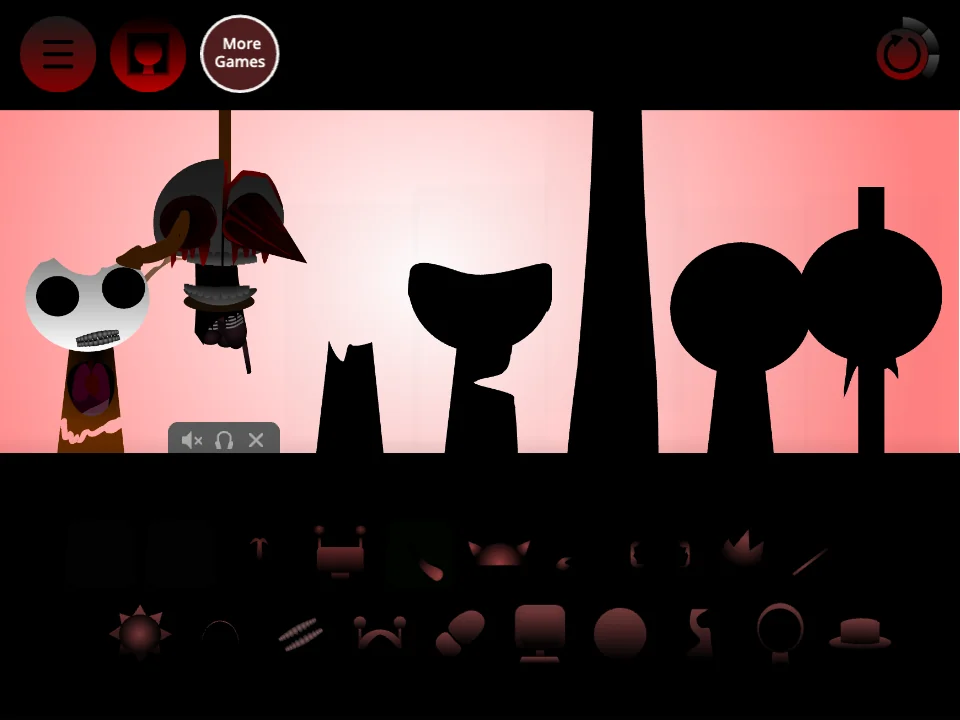
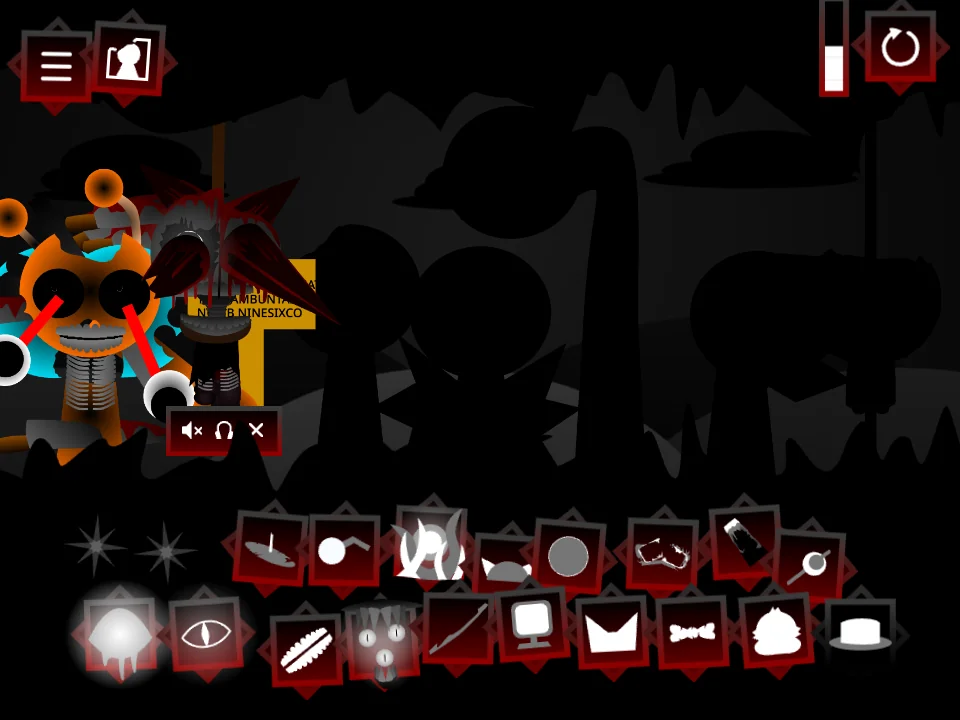
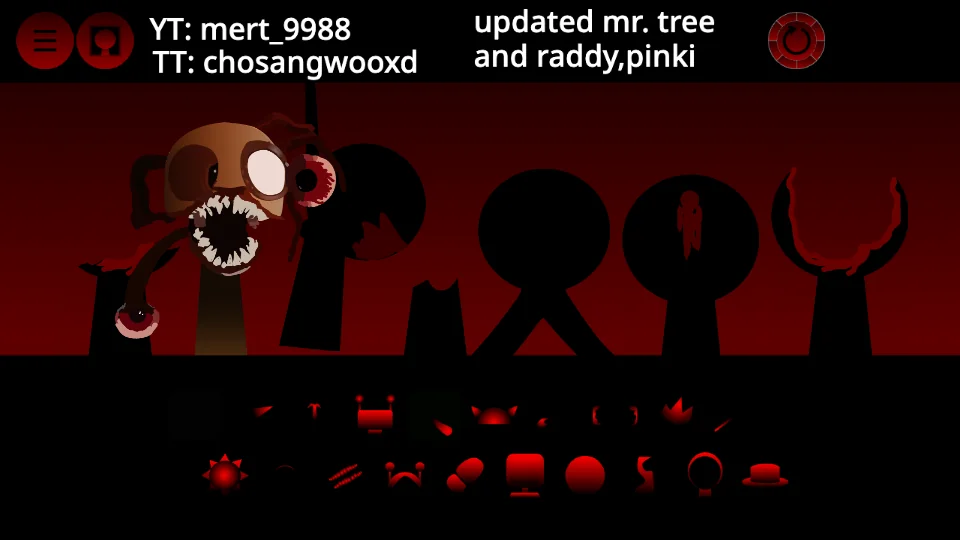
The clearest visual clue is the spiked sun above a row of gray-eyed figures. A red sound-icon panel sits beneath the stage. This page loads that specific fan build, with its own appearance and sounds.
The Scarlet Sun is offered alongside four other Phase 6 versions. It does not replace the Original, Fan-made, Definitive or Remastered listing. If a video shows a different sun, stage or icon arrangement, compare the other version cards before assuming this is the same package.
Start playing this build
The game contains horror imagery and gore. Read the warning before continuing. If the player is silent, tap inside it and check the tab mute setting and device volume. The first visit downloads game assets, so wait for loading to finish before trying a single reload; reloading can reset your current mix.
1. Wait for the player to load, then click or tap through its startup screen.
2. Drag one sound icon onto an available character position. On a touch screen, drag with a finger.
3. Add a second sound and listen to the combination before adding more. Keep the stage visible while dragging.
Compare another Phase 6 version
Use the other-version cards to compare the actual stages, then return to the Phase 6 Games hub for the full five-version overview. Each detail page identifies the package it plays. The names are navigation labels, not a verified official order or a guarantee of shared character sounds.
Layering & Combo Quest Arrangement Strategy in Sprunki Phase 6: The Scarlet Sun
Heavy Phase builds pack dense low-mid distortion and metallic accents; keep at most two bass-heavy figures active at once and mute competing midrange drones whenever a lead siren or choir loop enters. Because Sprunki Phase 6: The Scarlet Sun runs as a Phase-series soundstage featuring high-tension bass drones, distorted percussion hits, and atmospheric horror-phase harmonics, leaving brief breathing space between solo phrases makes every character entrance hit harder when the bar loops back to beat one.
As you experiment on the stage, watch the Combo Quests badge tracker directly beneath the player controls: launching your first beat unlocks Rhythm Igniter, holding an active three-minute groove session completes Harmony Weaver, and testing a neighboring mod build unlocks the Multi-Mod Producer badge across your browser profile.
Mobile Performance & Beat Studio Workflow for Sprunki Phase 6: The Scarlet Sun
Sprunki Phase 6: The Scarlet Sun runs directly inside modern desktop, Chromebook, and mobile browsers with touch drag-and-drop support; rotating smaller phone screens to landscape gives you wider spacing across both rows of sound icons.
Because reloading the tab resets the live Scratch stage, note your favorite character slot order once a loop clicks—or jump into the 16-step Beat Maker Studio to program your own drum, sub-bass, and synth pattern that saves as a permanent shareable sprunki.com/mix link and exports a 15-second vertical video clip.
Create & Share Your Own Beat in Beat Maker Studio (/mix)
Explore All Sprunki Phase Builds (/phase)
Sprunki Phase 6: The Scarlet Sun: questions
Is The Scarlet Sun another name for the default Phase 6 game?
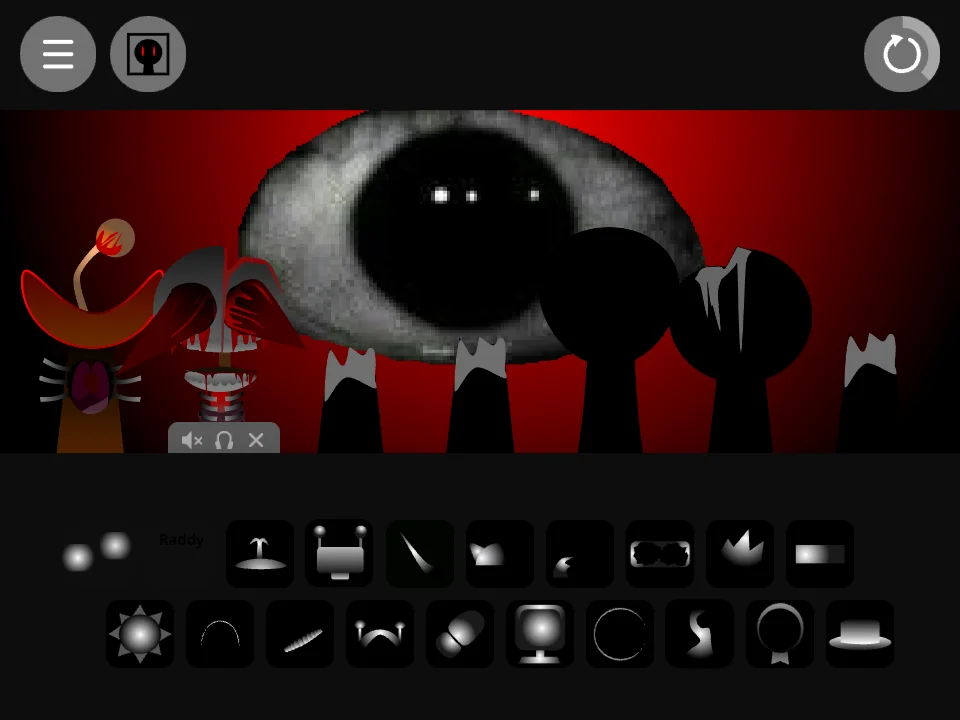
No. The default game on the hub is the giant-eye Fan-made build. The Scarlet Sun is a separate package with the spiked-sun stage shown on this page.
Can I play Phase 6: The Scarlet Sun on a phone?
The hosted player supports touch dragging as well as a mouse. Start the game with a tap, keep the stage visible while dragging, and use fullscreen or landscape orientation if the icons are hard to reach.
Why does a video of Phase 6: The Scarlet Sun look or sound different?
It may show another fan build or an edited showcase. Compare this page’s actual screenshot and version name first. We do not treat a matching phase number as proof of a matching package.





Discuss sprunki
Which game did you play, and how did your mix turn out? Tell us below.
Loading comments…