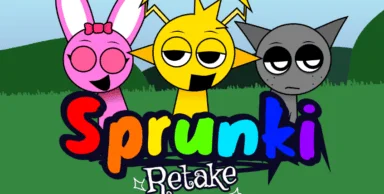
A small character lineup with Retake styling
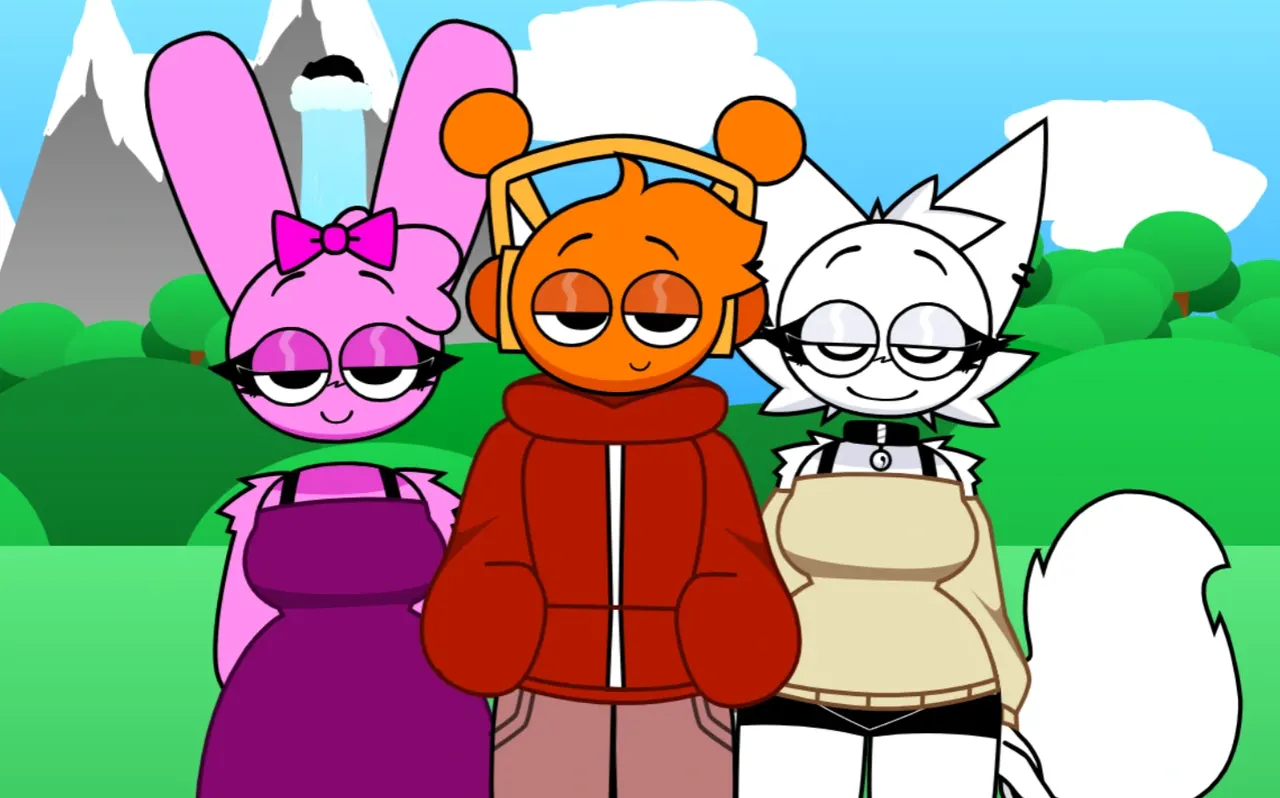
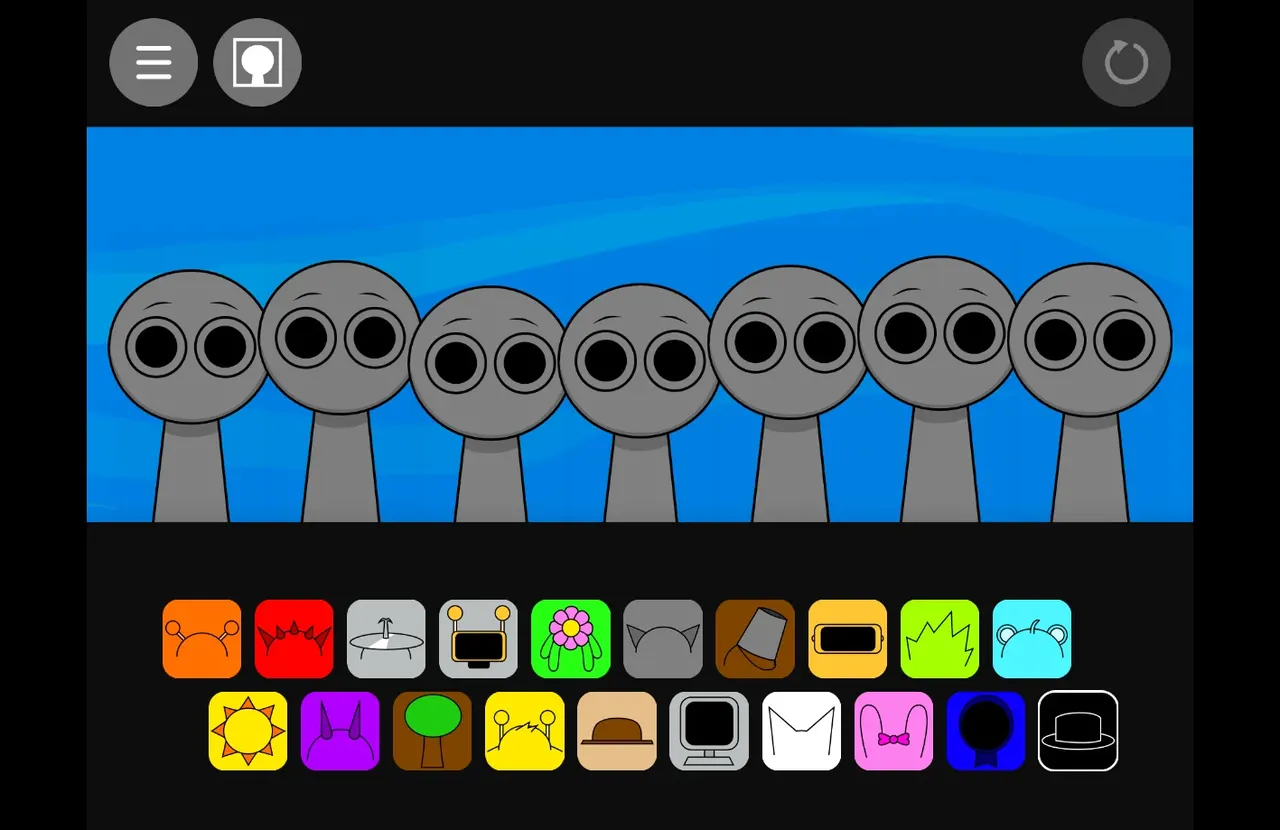
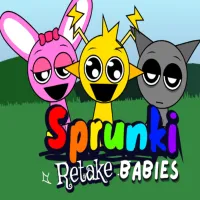
This game opens on green hills beneath a pale blue sky. Seven short grey figures wear diapers and have oversized shiny eyes. Placing the first sound adds a small orange headphone character, keeping the baby-shaped cast visible as the music begins.
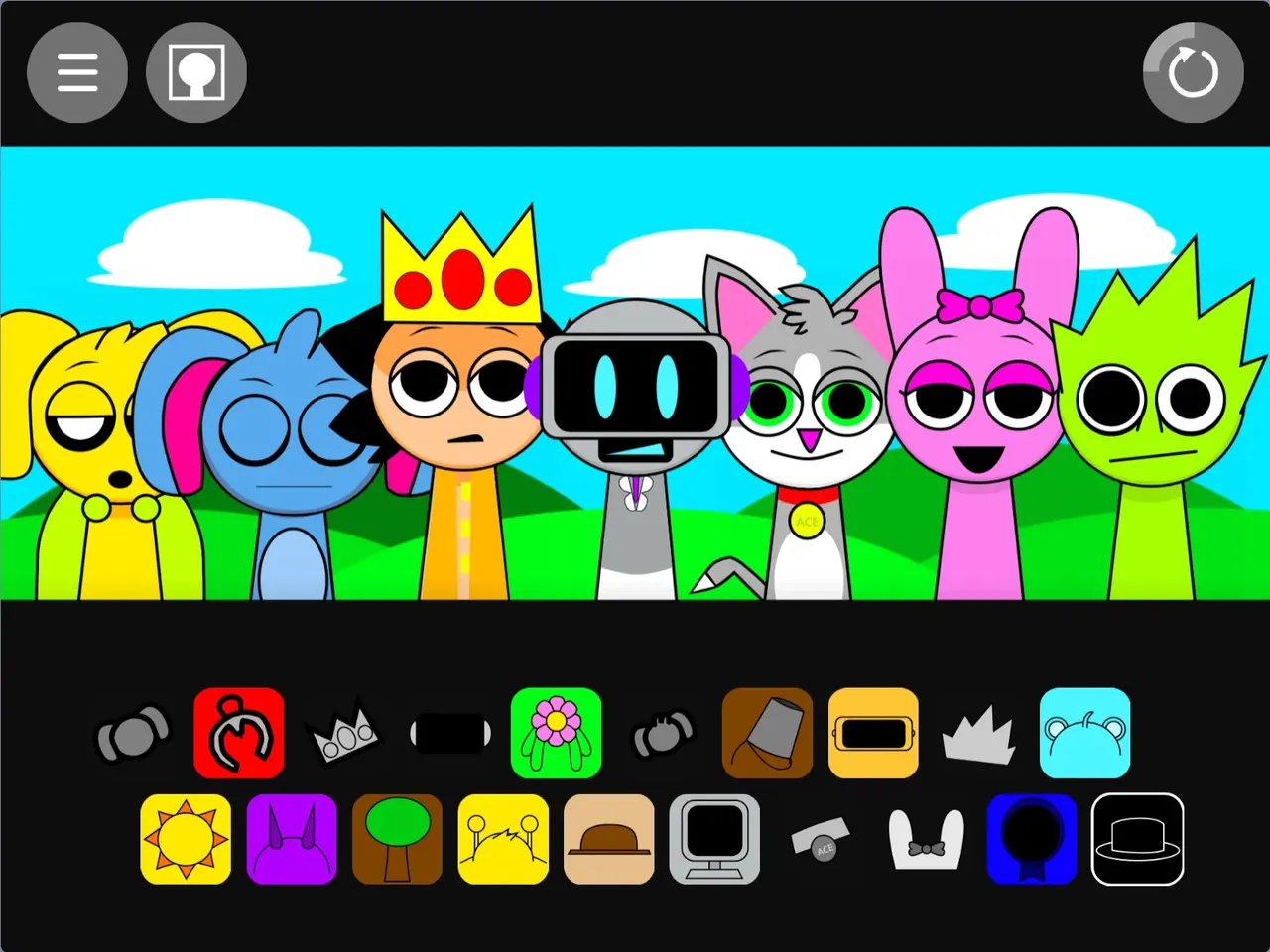
The lower palette has two rows of character icons. The baby appearance is a visual theme, not an age rating; preview the game before deciding whether it suits a particular child.
Start with one sound
Wait for the lineup, click or tap inside the game and drag the first upper-row icon onto the leftmost figure. Start with that sound, then add icons to other figures to hear the combination change.
Drag with a mouse, or press an icon and slide it onto a figure on a touch screen. A landscape view gives the icons more room. If sound is blocked, tap inside the player and check the tab or device volume.
The first load includes about 48.1 MB of game data. Allow time on a slower connection and wait for the loading indicator before restarting.
Babies Retake and Sprunki Baby
Babies Retake and Sprunki Baby are separate games on this site. Their names are similar, so use the screenshot and the full title when sharing a link or looking for instructions.
Sprunki Baby
Parent guide
Layering & Combo Quest Arrangement Strategy in Sprunki Babies Retake
Test two rhythmic anchors first and listen to a full four-bar cycle before dropping in vocal or horror-trigger icons, since Retake builds re-balance loop loudness compared with earlier community releases. Because Sprunki Babies Retake runs as a Retake arrangement featuring re-voiced character stems, tighter beat alignment, and reworked dark-stage transitions, leaving brief breathing space between solo phrases makes every character entrance hit harder when the bar loops back to beat one.
As you experiment on the stage, watch the Combo Quests badge tracker directly beneath the player controls: launching your first beat unlocks Rhythm Igniter, holding an active three-minute groove session completes Harmony Weaver, and testing a neighboring mod build unlocks the Multi-Mod Producer badge across your browser profile.
Mobile Performance & Beat Studio Workflow for Sprunki Babies Retake
Sprunki Babies Retake runs directly inside modern desktop, Chromebook, and mobile browsers with touch drag-and-drop support; rotating smaller phone screens to landscape gives you wider spacing across both rows of sound icons.
Because reloading the tab resets the live Scratch stage, note your favorite character slot order once a loop clicks—or jump into the 16-step Beat Maker Studio to program your own drum, sub-bass, and synth pattern that saves as a permanent shareable sprunki.com/mix link and exports a 15-second vertical video clip.
Create & Share Your Own Beat in Beat Maker Studio (/mix)
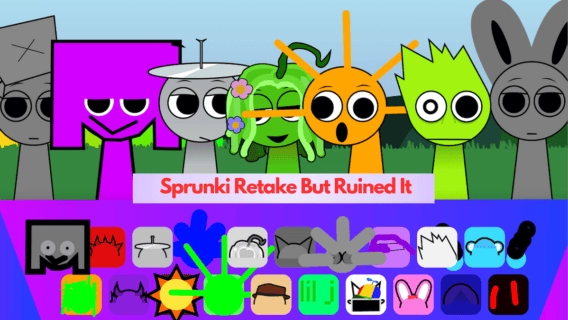
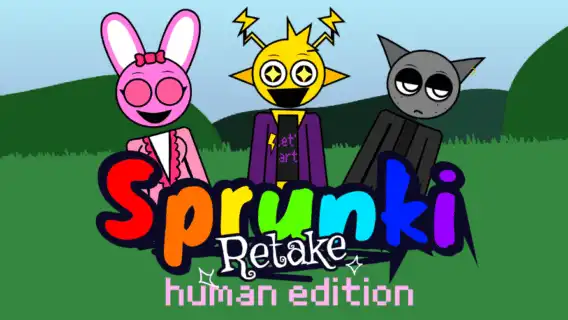
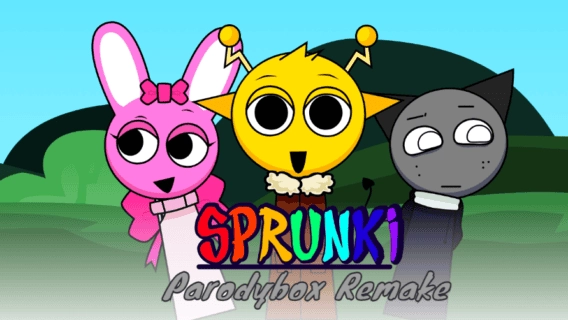
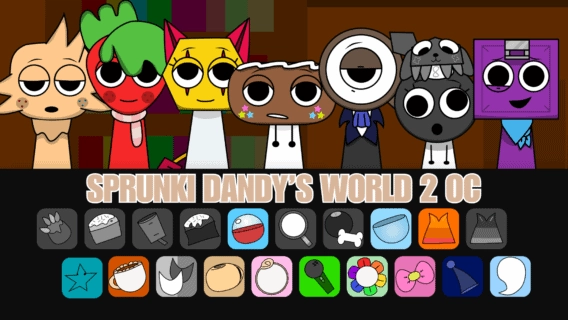
Compare Sprunki Retake Versions
Sprunki Babies Retake: common questions
How many characters and slots does Babies Retake use?
It uses twenty mini characters and seven buttons at the top of the screen. Drag a character onto a button to start its sound and dance, then repeat with another character.
Does Sprunki Babies Retake have a horror mode?
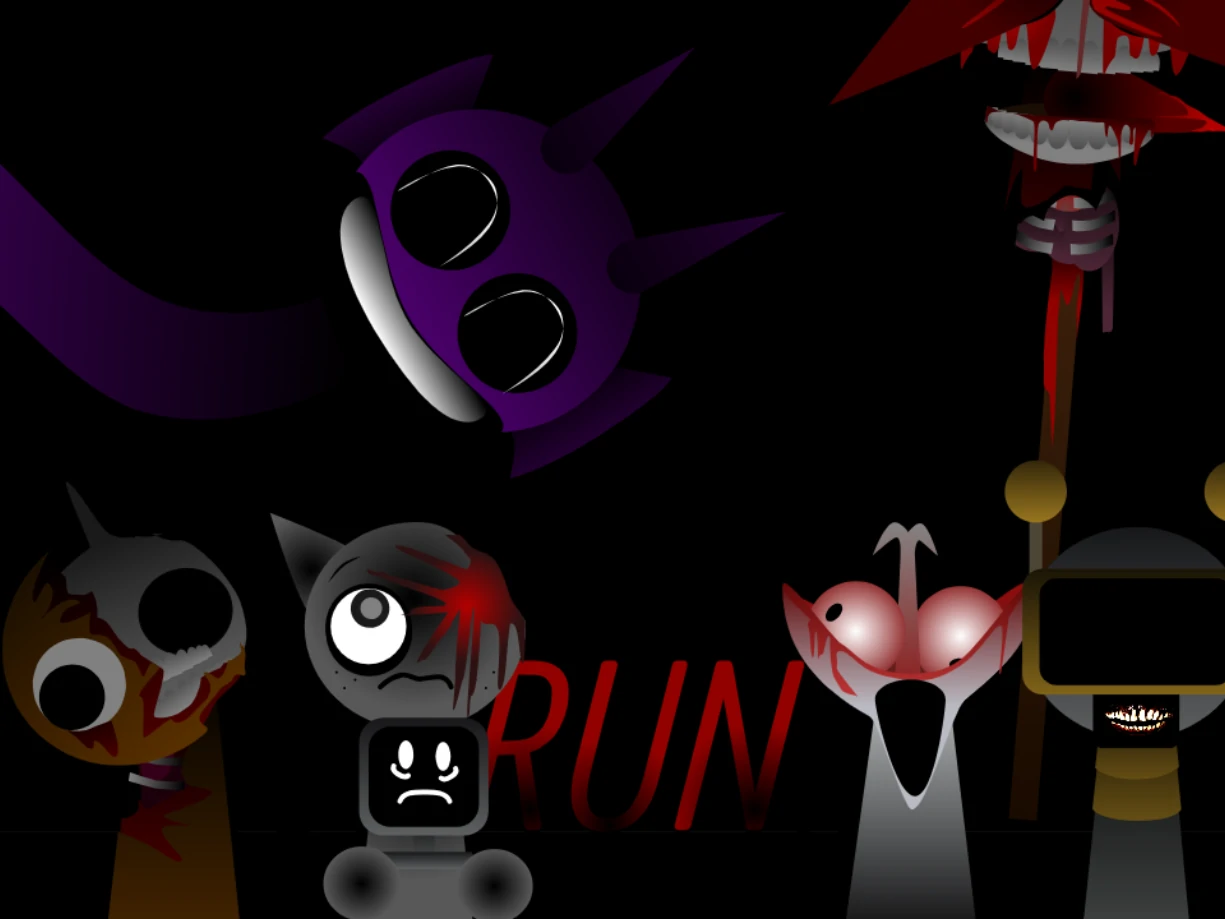
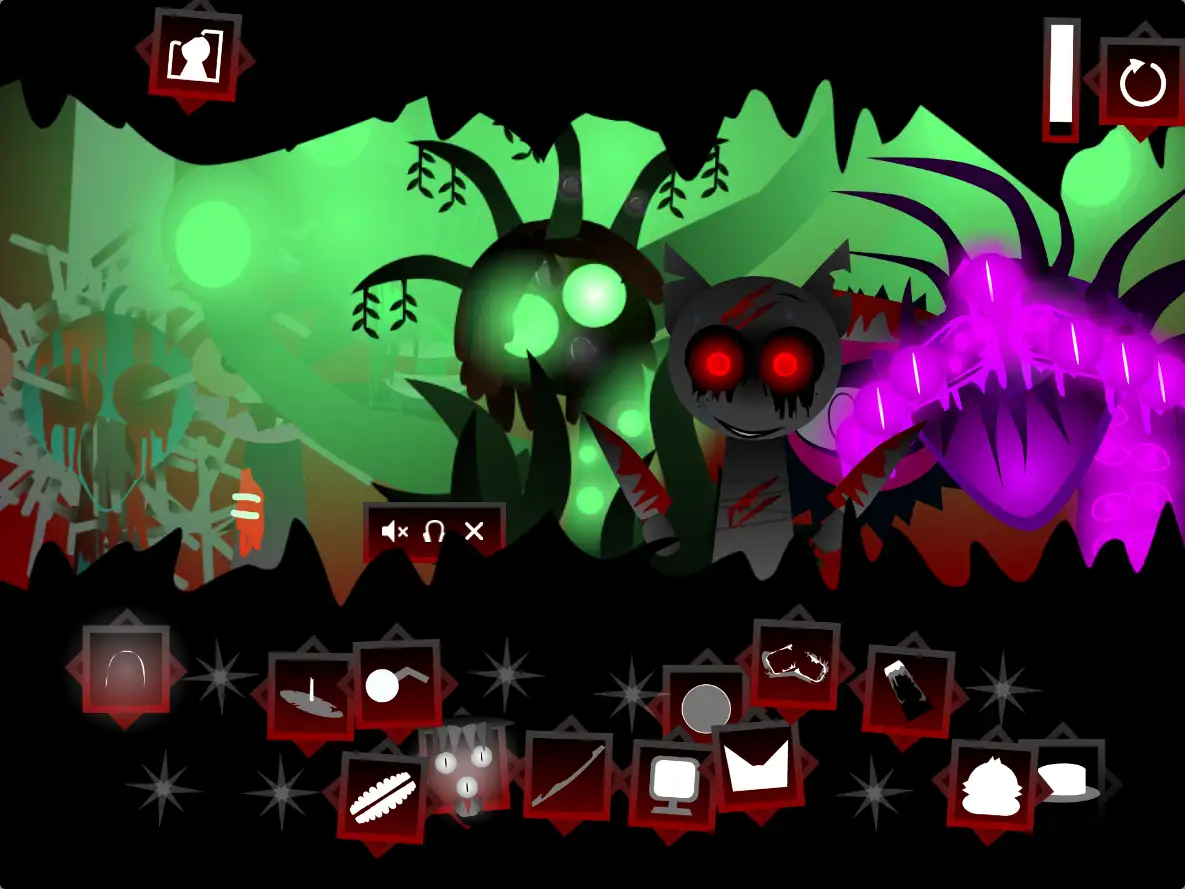
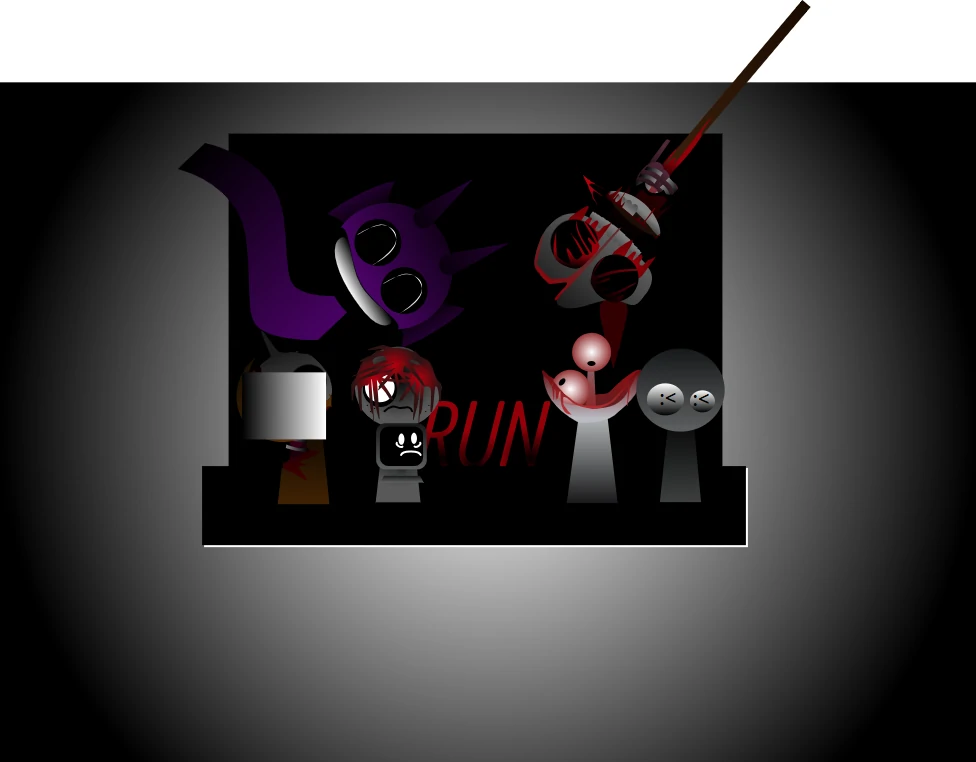
Yes. Placing the twentieth character changes the scene: a dark veil falls, the characters become twisted versions and the soundtrack turns eerie.
Can I avoid the horror transformation?
The change happens when the last character is placed. If you want to keep the cheerful version, mix with the other characters and leave the twentieth one out.
Is Babies Retake different from Sprunki Babies?
This page is the Retake version, so its player and character set are the ones shown here. Treat it as its own build rather than assuming it matches the original Babies mod.
Do I need to download Sprunki Babies Retake?
No. The game opens in the browser player on this page. No download, app install or account is required; just wait for the player to finish loading.





Discuss sprunki
Which game did you play, and how did your mix turn out? Tell us below.
Loading comments…