Tap inside the game to start sound. Check your device volume. Reloading restarts this game and may reset your current progress. A first visit may download a large game package. Loading time varies with your connection and device. Later visits may reuse cached files, but some browsers download them again.
Sprunki is a creative browser music game 🎧—a fan-made rhythm mixer that brings interactive beat-making directly to your screen for free. Craft your own grooves online, layer distinctive loops, unlock the darker Phase series 👻, and experiment with endless sound combinations.
Explore detailed character guides, watch imaginative community mixes, and open the 16-Step Beat Maker Studio to compose your own tracks. Whether you are a longtime fan of rhythm mods or trying Sprunky for the first time, everything runs straight in your browser 🌍.
Key Features of the Sprunki Game
Free Online Access: ⭐ Play the flagship build and hundreds of community mods directly in your browser with no download and no account required.
Unique Characters: 🧑🎤 Each performer brings a distinct sound, animation, and musical role to your mix—making every arrangement unique.
Limitless Creativity: 🎨 Combine beats, effects, melodies, and vocals freely with instant mute, solo, and reset controls.
Hidden Gameplay Surprises: 🕵️♂️ Unlock secret mods and unexpected phases by experimenting with special combinations.
Community Engagement: 🤝 Join a growing global community—share custom track links, compare character combos, and discover new fan remixes every week.
How to Play Sprunki Online for Free? 🎮
Quick Guide to Get Started 🛠️
Step 1: Play Online at Sprunki.com
Visit Sprunki.com and click the PLAY NOW button ▶️ to start your musical journey instantly.
Step 2: Get to Know the Interface
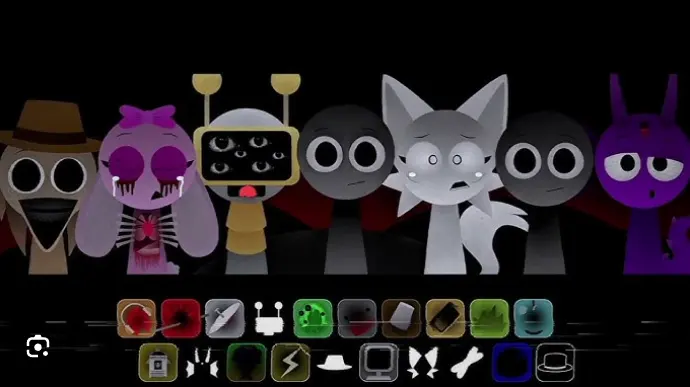
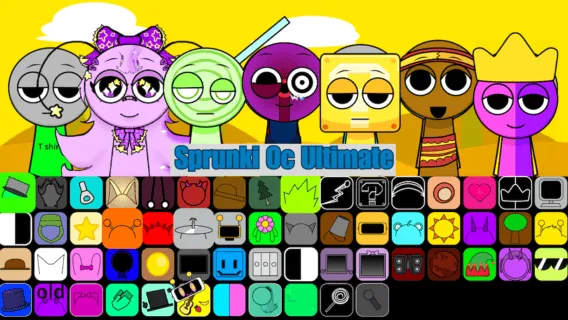
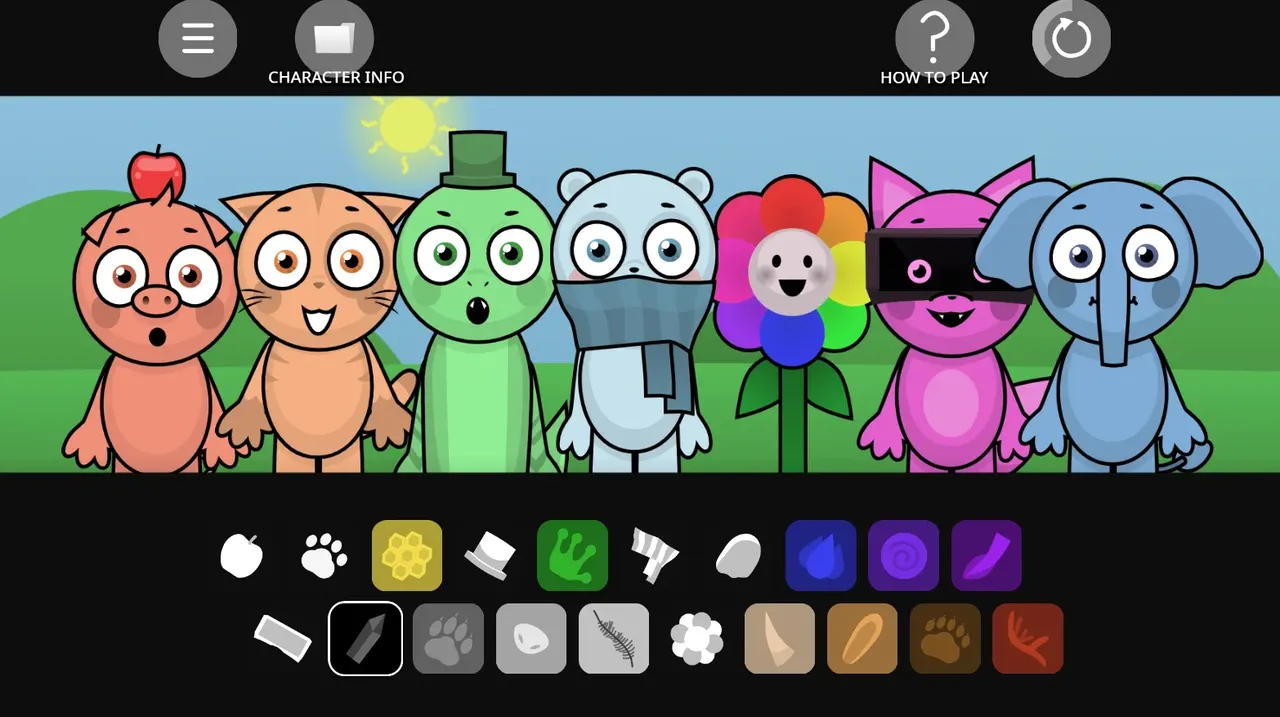
The game features a simple drag-and-drop system 🖱️. Select characters and sound icons—each represents a unique musical element.
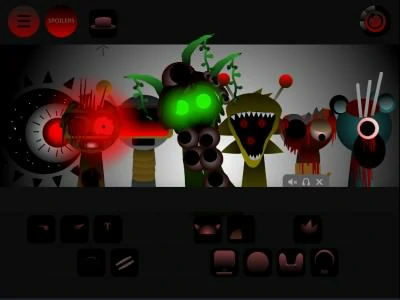
🎵 Sprunki Gameplay Preview
Step 3: Choose Your Characters
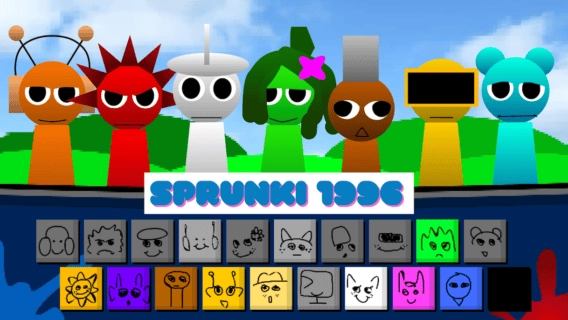
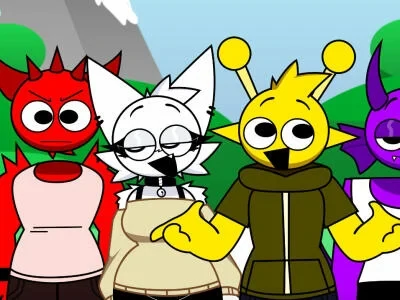
Pick from a colorful lineup of Sprunki characters. Each one brings different sounds like beats, effects, melodies, and vocals 🎤 to your mix.
Use your mouse to drag characters from the menu onto the stage. Click a character on the stage to remove them.
Step 4: Create Your Mix
Drag sound icons onto characters to assign them sounds. Watch as they animate and perform in perfect rhythm 🕺.
Click the icons below a character to control their audio—mute, solo (mute others), or remove them from the stage.
Step 5: Experiment and Customize Try different combinations 🔀 to craft your own unique musical creation. There's no wrong way to mix in Sprunki!
Tips: Unlock Special Features 💡
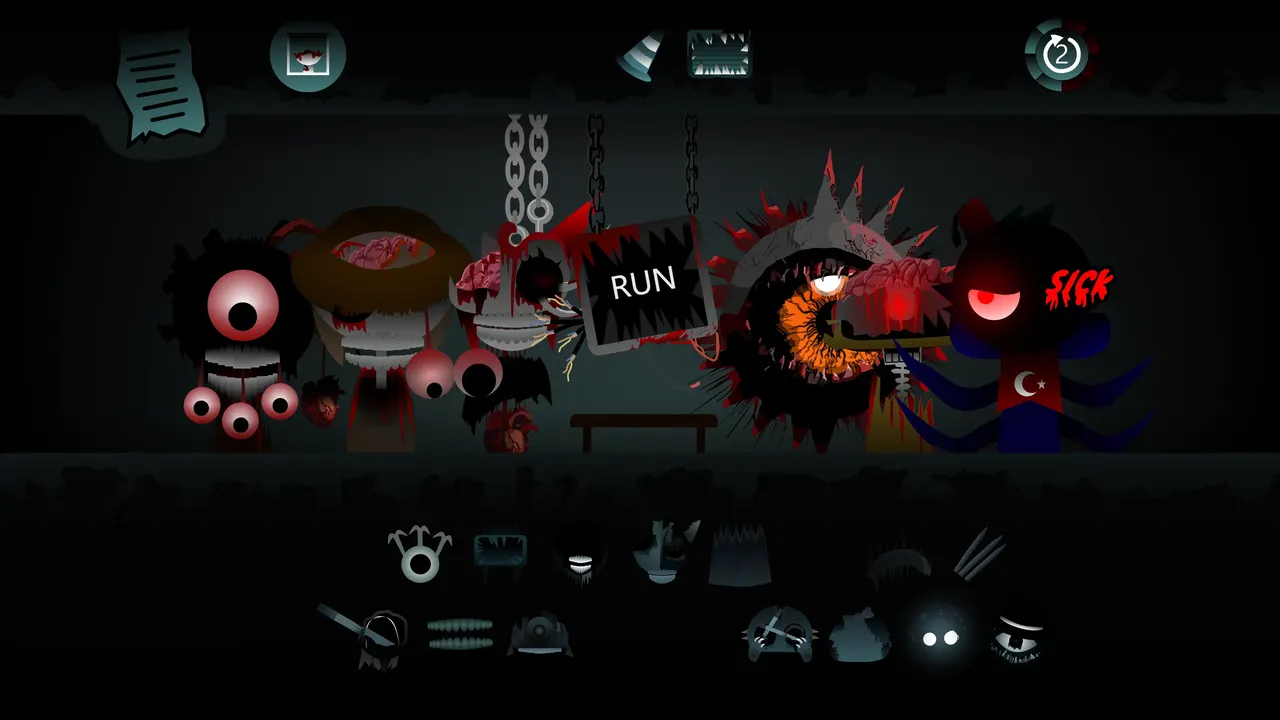
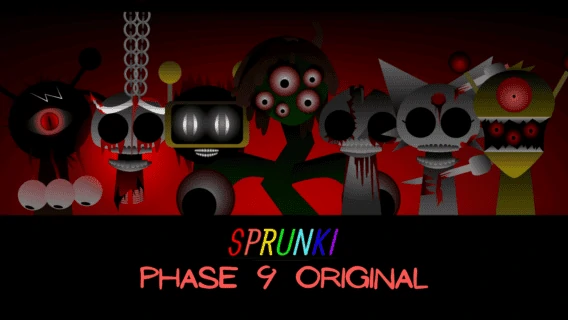
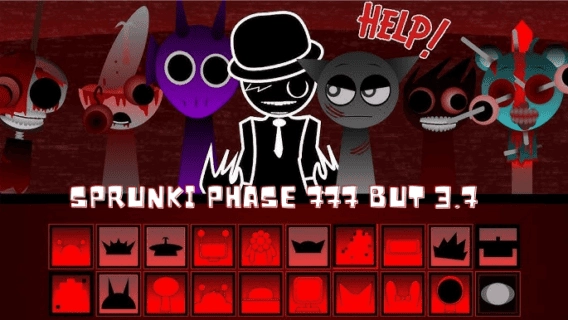
Drop the Black Hat icon onto any empty slot to shift the entire stage from sunlit loops into dark horror audio, and use each slot's mute or solo button to isolate beats and melodies. Read our Normal vs Horror phase guide for exact trigger details.
Save and Share Your Creations 📤
Use the Copy Link and Share controls below any game to send a direct URL to friends, or open the 16-Step Beat Maker Studio to compose a custom-tempo beat with its own shareable shortlink. Visit our gameplay guides for phase comparisons and mixing tips.
Experimental Variations: But Everyone is Alive, But I Ruined It
Crossovers and Collaborations: Regretevator, FNF Crossover, Rejecz, Eddsworld Mod
Development Versions: Inverted, But Alpha, TADC Game
Special Editions: Special Edition, Baldunki, Fan Character, Alternative, Extended Mix, Remix Plus, Daytime Demo, Classic Reborn
FAQs about Sprunki Game
Q: What is the Sprunki Game? A: It is an interactive browser music-mixing experience 🎛️ where you layer beats, effects, melodies, and expressive character vocals in real time.
Q: Can you play Sprunki for free? A: Yes! ✅ You can play completely free in your browser at Sprunki.com, combining drag-and-drop beat mixing with expanded soundscapes and dual sunlit/horror phases.
Q: Is Sprunki a mod? What is a Sprunki mod? A: Yes, it began as a fan-made rhythm mod 🧩 that expanded classic loop mixing with customizable casts, darker phases, and hundreds of community remixes.
Q: Which Sprunki game allows character merging? A: The Mixer edition 🎚️ lets you blend different performers together—visually and musically—unlocking hybrid animations and fresh sound combinations on stage.
Q: How can I create custom Sprunki characters in Sprunki games? A: Start by picking a sound role (percussion, bass, synth, or lead vocal) and visual silhouette in Scratch or Canva ✏️, pair custom audio loops, and test your mix rhythm before sharing with the community.
Q: Is there an APK available for Sprunki? A: Sprunki.com offers free browser play and does not provide an APK. Open a game on this site in your Android browser.
Q: Where can I download Sprunki? A: You can play Sprunki games free in your browser on Sprunki.com. This site does not provide APK, EXE or offline downloads.
Q: How to install Sprunki APK? A: You do not need to uninstall an app or install files to play here. On a phone or computer, open a game in your browser and follow its on-screen controls.
Looking to play on Android? Open Sprunki.com in your mobile browser and bookmark the page to return later. Read our browser play and download guide; no APK installation is needed.
Conclusion
Start mixing right above 🚀—layer beats, melodies, and vocals in seconds, or open the 16-Step Beat Maker Studio to build custom-tempo tracks and shareable remix links. Looking for the classic spelling variant? You can also jump straight into Sprunky online or browse all playable mods.
Head over to Sprunki.com to play Sprunki online today! 🎧
What Is Sprunki and How Does the 7-Slot Sound Mixer Work?
Sprunki is a free HTML5 browser rhythm-mixing game where you drag 20 character sound icons across 7 active stage slots to layer beats, effects, melodies, and vocals in real time with no download or account required.
4 Sound Roles (20 Icons): The core roster groups 5 Beats, 5 Effects, 5 Melodies, and 5 Vocals so any player can build a balanced loop in under 30 seconds.
7 Simultaneous Stage Slots: Every performer stays locked to the same master tempo. Click any active character to mute, solo, or clear that stem without stopping the groove.
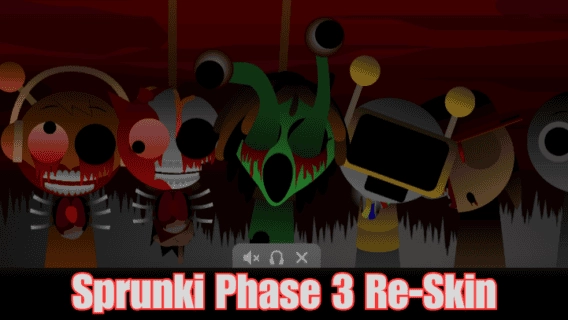
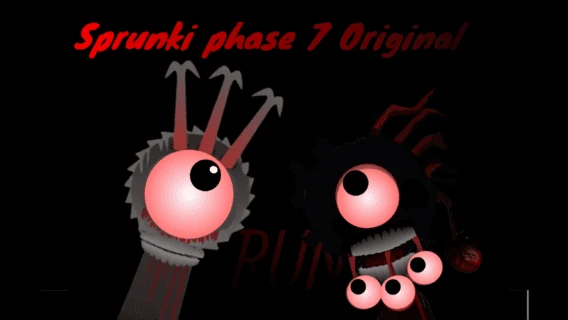
Dual Sunlit & Horror Phases: Dropping the Black Hat icon onto an open slot shifts the entire stage into its darker horror arrangement with distorted audio stems and alternate animations.
Zero-Install Browser Engine: Every build runs directly inside Chrome, Safari, Edge, and school-network Chromebooks using WebAudio—no APK, EXE, or plugin setup.
Which Sprunki Version Should You Play First?
Start with the Classic build at the top of Sprunki.com if you are new to drag-and-drop mixing, then jump to Phase 3 for horror pacing, Retake for remastered visuals, or the 16-Step Beat Maker Studio to program custom tempos.
Version / Tool
Theme & Audio Focus
Best For
Direct Access
Classic Sprunki
Original 20-character cast with sunlit loops and the Black Hat horror shift
How Do You Create, Save, and Share a Custom Sprunki Beat?
Combine up to seven loops on the live stage to test ideas fast, then switch to the 16-Step Beat Maker Studio to lock your tempo, refine chord progressions, and generate a direct share link.
Build your core groove on the 7-slot stage or Beat Studio: Drag 1–2 Beat icons onto the stage first, add a Melody and Vocal layer, and use solo/mute controls to check balance—or open the 16-Step Beat Maker Studio for full step-by-step pattern control. Open 16-Step Beat Maker Studio.
Dial in BPM, chord moods, and audio specs: Match your groove tempo with the BPM Tap Tempo tool, test chord voicings in the Chord Progression Generator, and estimate stem file sizes with the WAV Stem Calculator before exporting. Use BPM Tap Tempo.
Copy a shareable link or export your track: Use the one-click Copy Link button on any game or studio mix to share your setup with friends. Browser play and standard link sharing are free; optional Ad-Free & Creator Pro unlocks ad-free sessions and lossless 16-bit WAV stem downloads. Compare Free vs Creator Pro.
Does Sprunki.com Work on Chromebooks, Phones, and Tablets?
Yes—Sprunki.com runs directly in modern desktop, Chromebook, iOS, and Android browsers with no downloads, no APK files, and no required login.
On phones and tablets, rotate your screen to landscape mode so both character icon rows stay easy to tap, and tap once inside the stage frame if mobile audio starts muted. School Chromebook players can also browse lightweight builds in the Chromebook Music Games hub.
Sprunki.com is operated by ShinStar LLC and maintained by our editorial and audio testing team. Every playable mod and guide is checked for browser compatibility and family clarity before listing—read our Parents Guide, About page, or Contact page for questions or takedown requests.
Reviewed by the Sprunki.com Editorial & Audio Testing Team · Last verified .
What Do New Players Ask About Playing Sprunki Online?
How do I play Sprunki online for free on Sprunki.com?
Scroll to the playable stage at the top of Sprunki.com and drag any sound icon onto a blank character to start your loop right away. Every game runs free in your browser with no download, installer, or account required.
Does Sprunki.com work on phones and tablets in landscape mode?
Yes. Open Sprunki.com in Safari, Chrome, or another modern mobile browser and rotate your screen to landscape mode for wider touch targets across both icon rows. Tap once inside the game frame if mobile audio needs to start.
How do I switch characters, mute layers, and trigger horror mode?
Drag sound icons onto the seven stage slots to combine beats, effects, melodies, and vocals, then tap any active performer to mute, solo, or clear that slot. Dropping the black hat icon onto a figure switches the stage into the darker horror phase.
How can I switch between Sprunki mods like Phase 3, Retake, Mustard, and Sprunki Sprunker?
Use the top navigation bar, the Popular and Trending Games grids, or the full catalogue to jump directly between classic builds and fan remixes such as Phase 3, Sprunki Retake, Sprunki Mustard, and Sprunki Sprunker in your browser.
Can I create, save, and share custom Sprunki beats online?
Yes. Open the 16-Step Beat Maker Studio from the player bar to program custom-tempo tracks, generate a shareable remix link, and test new layer combinations alongside the playable browser mods.
Was this page helpful?
Thanks — that tells us what to fix next.
Thanks — tell us below what was missing.
Discuss sprunki
Which game did you play, and how did your mix turn out? Tell us below.
Loading comments…
Browse Sprunki Series, Genres & Music Studios
Jump directly into specialized beat makers, full phase collections, character rosters, and community mod series.









Discuss sprunki
Which game did you play, and how did your mix turn out? Tell us below.
Loading comments…