Simon's Realm on the blue-sky stage
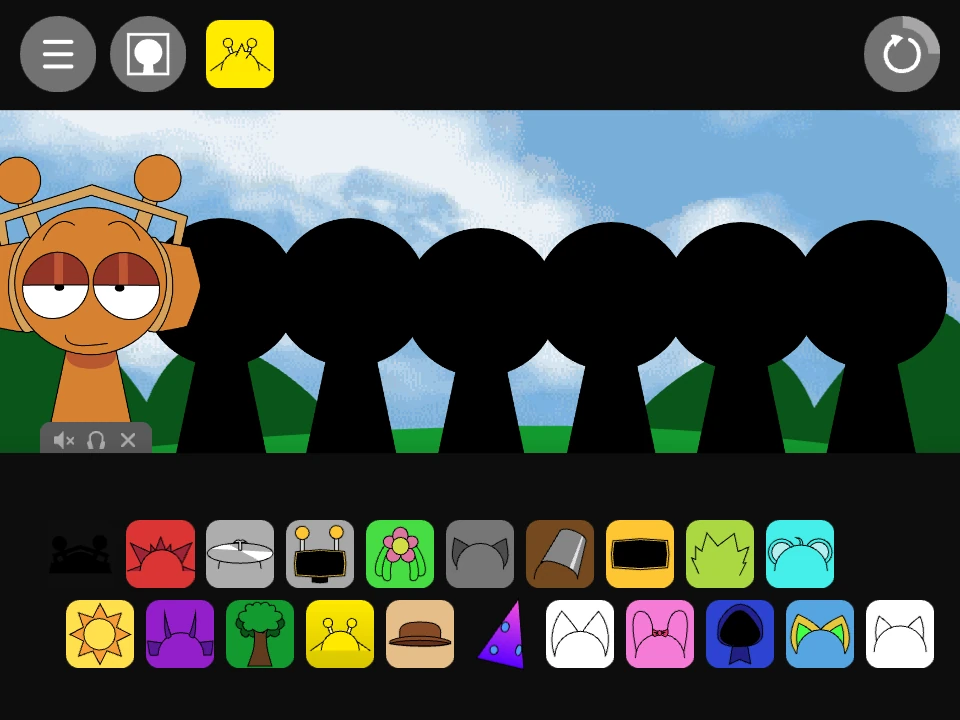
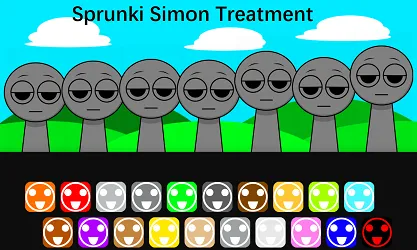
Seven black silhouettes stand in front of green hills and a cloudy blue sky. The first sound adds an orange headphone character with two antenna-like extensions. A yellow Simon icon also appears above the stage, while the lower palette includes hats, ears, flowers and a sun.
The screenshot shows the actual opening mix. Choose a symbol and place it on an empty figure, then listen to how that part combines with the sounds already playing.
Start with one sound
Let the loading screen finish, click or tap inside the player, then drag the first icon in the upper palette row onto the leftmost silhouette. Add further sounds one at a time so you can hear what each character contributes.
Drag with a mouse, or press an icon and slide it onto a figure on a touch screen. A landscape view gives the icons more room. If sound is blocked, tap inside the player and check the tab or device volume.
The first load includes about 87.5 MB of game data. Allow time on a slower connection and wait for the loading indicator before restarting.
Build a mix, then try a different cast
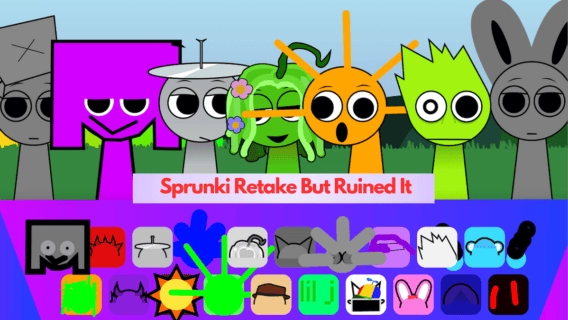
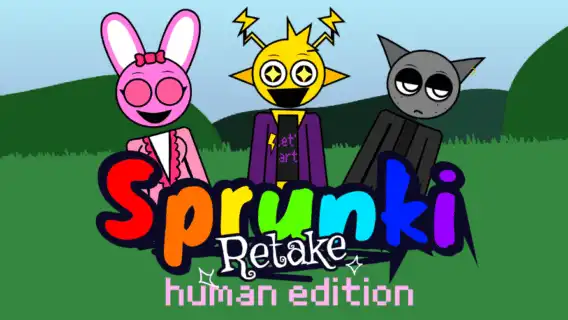
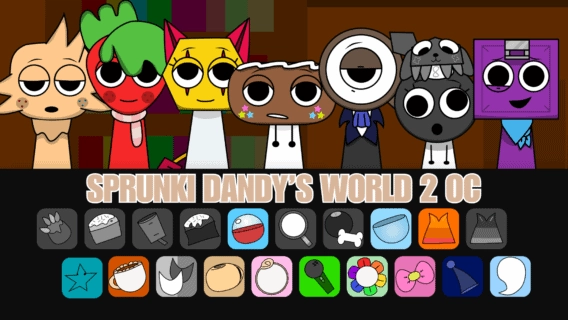
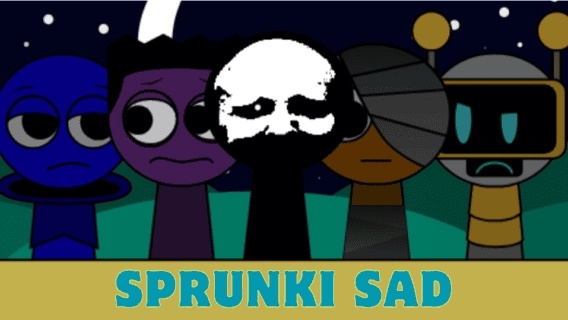
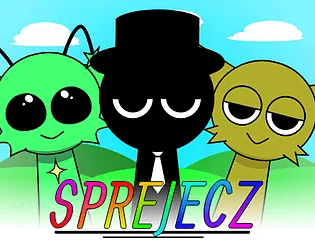
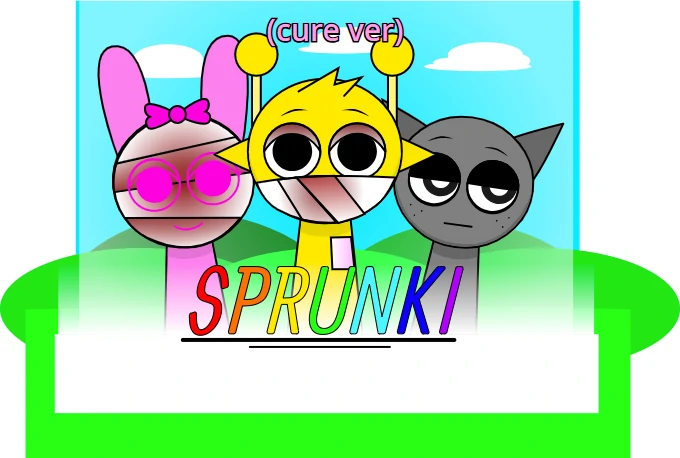
Keep a few parts playing and change the combination gradually. Abgerny offers an animal-shaped cast, while Cute Sprunki uses large eyes and decorative faces. Each has its own game page and screenshot.
Sprunki Abgerny
Cute Sprunki
Layering & Combo Quest Arrangement Strategy in Sprunki Simon's Realm
Give the lead character loop room in the midrange by pairing it with one deep sub-bass slot and one crisp hi-hat or snap slot first, then solo-check each extra harmony character so the signature vocal timbre stays front and center. Because Sprunki Simon's Realm runs as a character-focused mix build featuring spotlight vocal phrases, custom character animations, and high-contrast stage styling, leaving brief breathing space between solo phrases makes every character entrance hit harder when the bar loops back to beat one.
As you experiment on the stage, watch the Combo Quests badge tracker directly beneath the player controls: launching your first beat unlocks Rhythm Igniter, holding an active three-minute groove session completes Harmony Weaver, and testing a neighboring mod build unlocks the Multi-Mod Producer badge across your browser profile.
Mobile Performance & Beat Studio Workflow for Sprunki Simon's Realm
Sprunki Simon's Realm runs directly inside modern desktop, Chromebook, and mobile browsers with touch drag-and-drop support; rotating smaller phone screens to landscape gives you wider spacing across both rows of sound icons.
Because reloading the tab resets the live Scratch stage, note your favorite character slot order once a loop clicks—or jump into the 16-step Beat Maker Studio to program your own drum, sub-bass, and synth pattern that saves as a permanent shareable sprunki.com/mix link and exports a 15-second vertical video clip.
Create & Share Your Own Beat in Beat Maker Studio (/mix)
Meet All Sprunki Characters & Sound Roles
Sprunki Simon's Realm: common questions
How does Sprunki Simon's Realm differ from other character-focused mix build builds?
Sprunki Simon's Realm is hosted at /sprunki-simon-s-realm with its own preserved character cast and loop bank. Always check the page URL and stage preview before copying a mix recipe from another version.
What is the cleanest way to layer characters in Sprunki Simon's Realm?
Start with one steady percussive pulse and one bass slot, wait for a full bar cycle, then add chordal and lead vocal icons one by one while muting any overlapping midrange loop.
Can I play Sprunki Simon's Realm on a phone, tablet, or school Chromebook?
Yes. Tap once inside the stage to unlock browser audio, then drag sound icons onto characters with your finger or trackpad; landscape mode gives touch screens extra room.
How do I save or share a beat inspired by Sprunki Simon's Realm?
Stage arrangements reset if you reload the tab, so write down your character order or open sprunki.com/mix to sequence a 16-step track with a permanent share link and 9:16 video export.





















Discuss sprunki
Which game did you play, and how did your mix turn out? Tell us below.
Loading comments…