Play Sprunky free in your browser — no download required
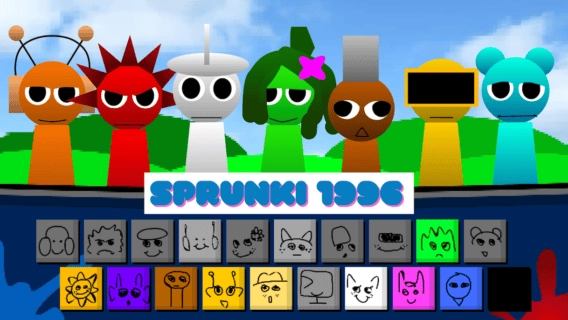
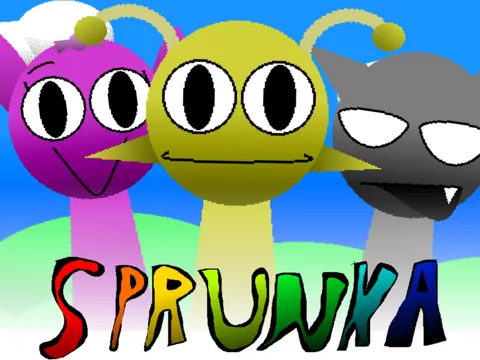
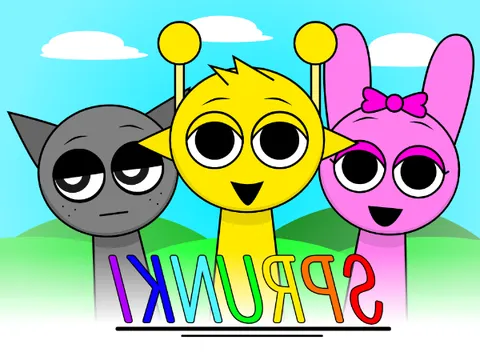
Sprunky is the phonetic spelling millions of players type when searching for the classic 20-character browser music mixer, and this page launches the full Sprunky stage right inside your tab with zero downloads, zero installers, and no sign-up wall. Seven grey silhouettes stand on a bright sunlit lawn above two rows of twenty colorful drag-and-drop sound icons.
Every icon on the Sprunky stage corresponds to a synchronized bar-length loop—five percussion beats, five atmospheric effects, five synth or chime melodies, and five character vocals. Drop Oren, Raddy, Clukr, Fun Bot, Vineria, Sky, Tunner, or Wenda onto any slot to hear your arrangement lock cleanly to the tempo in real time, or drag the black top-hat icon onto a performer to flip Sprunky into its darker horror phase immediately.
Open the 16-Step Beat Maker Studio & WAV Stem Export (/mix)
Browse all numbered Phases (Phase 1 to Phase 20+)
Best Sprunki Mods 2026: Complete Phase 1 to 9 Tier Guide & Mini Beat Board
How to play Sprunky on desktop, Chromebook, and mobile
Click or tap once inside the Sprunky player frame to unlock browser audio—mobile Safari and Chrome mute Web Audio until your first tap. Drag a single rhythm icon from the upper-left group onto an empty silhouette and let one full bar cycle play before adding bass, harmony, or vocals. Listening to one layer at a time keeps your Sprunky groove punchy instead of overcrowded.
Hovering or tapping any active performer reveals quick solo, mute, and remove icons right below that slot. You can drop a beat out for four beats and bring it back in on beat one to create live transitions without resetting the stage. On a phone or small tablet, rotating to landscape gives both rows of Sprunky sound tiles much wider touch targets, while 4 GB school Chromebooks handle this classic build smoothly with zero local storage footprint.
Sunlit normal mode vs dark horror phase in Sprunky
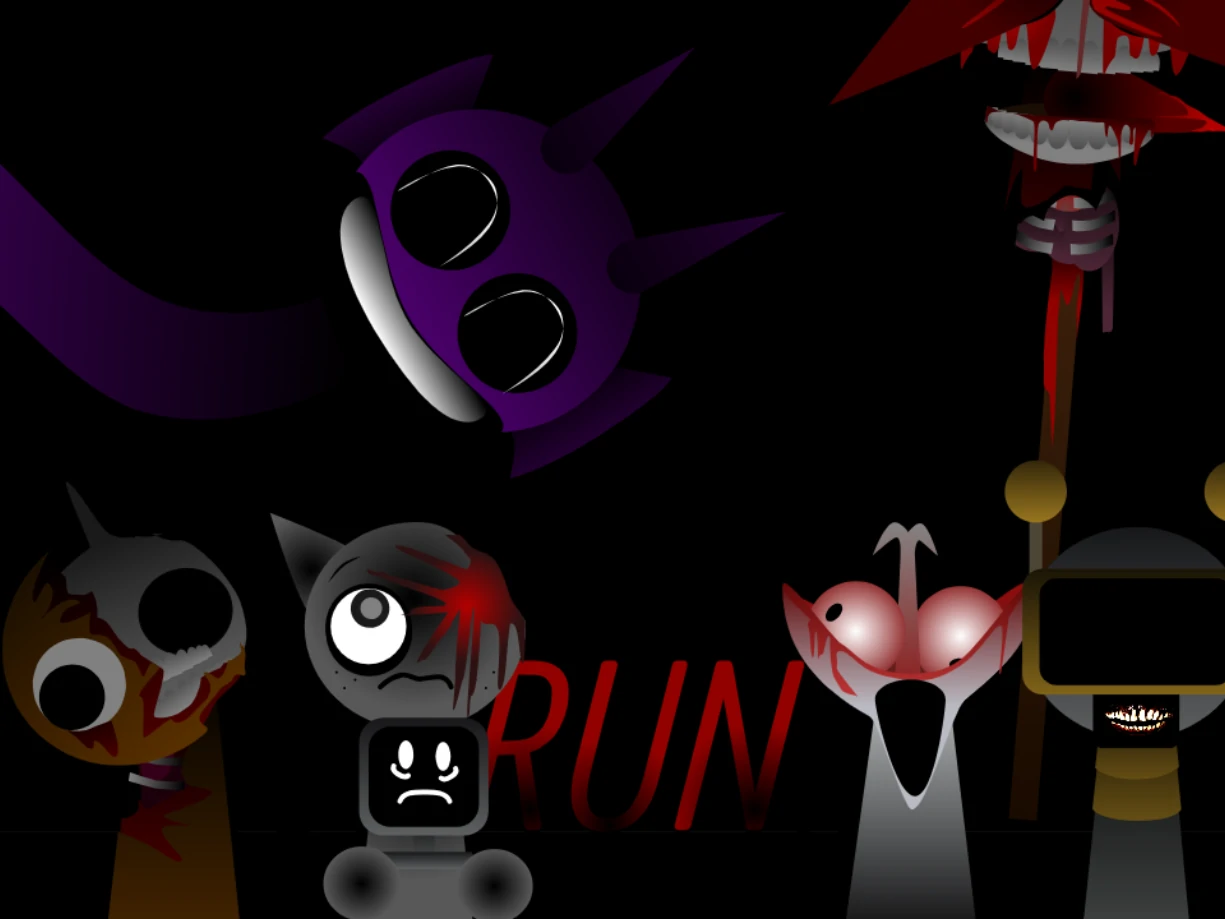
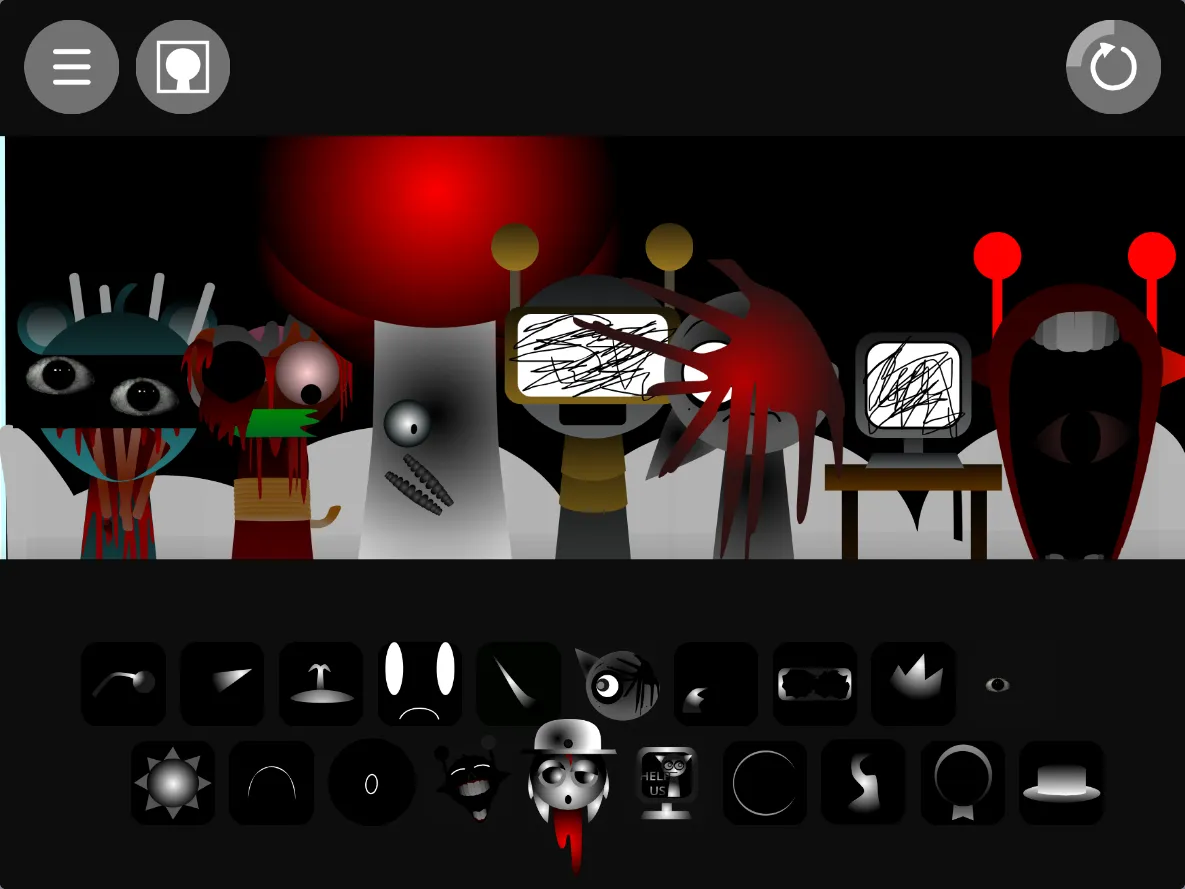
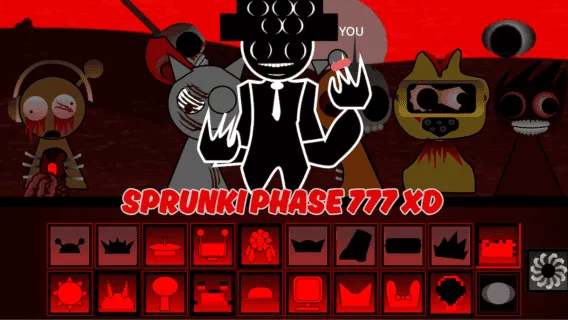
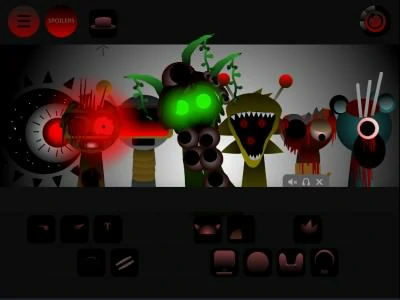
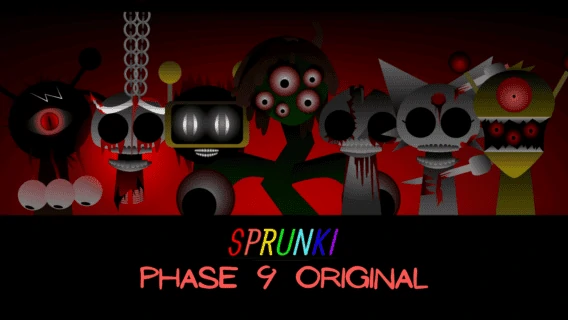
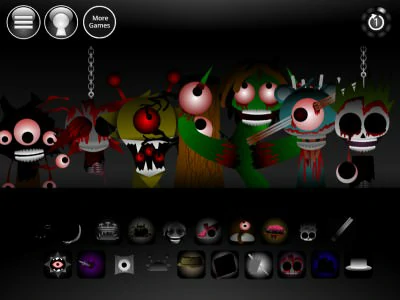
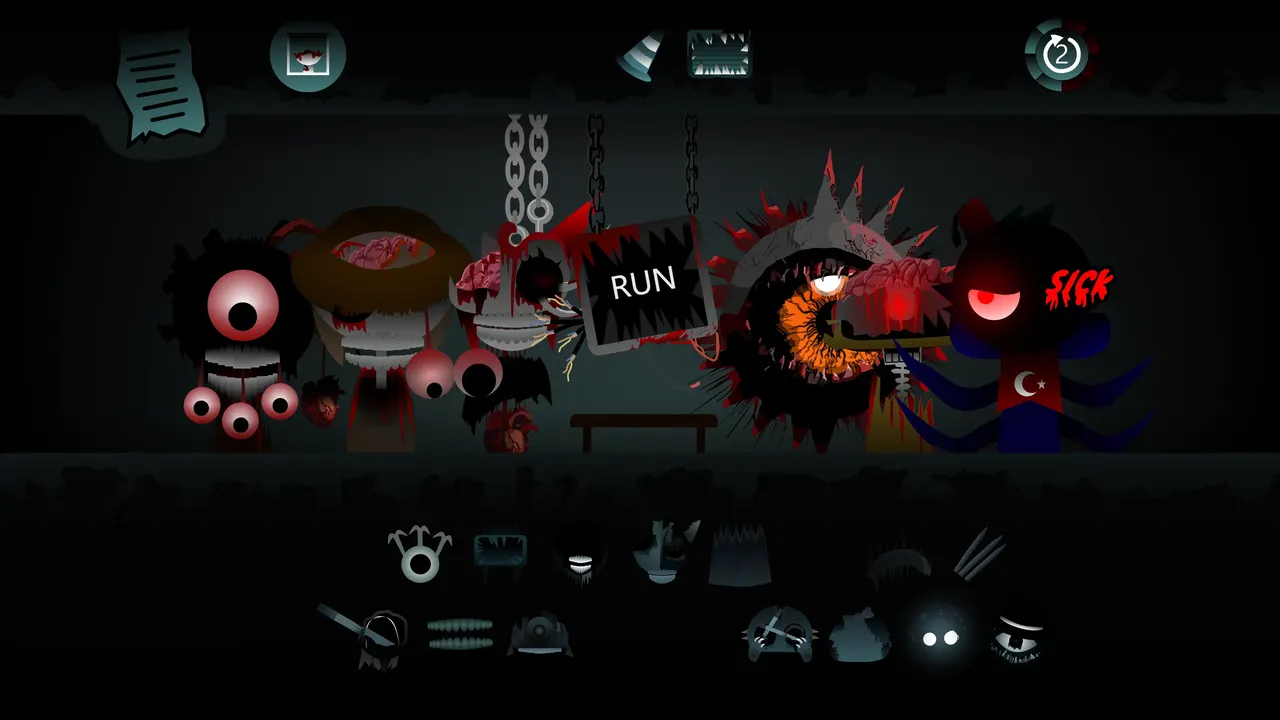
What made Sprunky explode across short-form video feeds is its two-mode contrast. Starting with the nineteen bright icons gives you an upbeat cartoon soundscape with clean kicks, warm synth arpeggios, whistling melodies, and playful vocal chops. Placing the final black-hat icon transforms the entire Sprunky cast simultaneously: the sky turns dark, character designs shift into eerie horror variants, and every audio stem swaps to tense minor-key drones, distorted hits, and haunting choir phrases.
For a crisp upbeat Sprunky combo, start with Oren (kick/snare pulse), Clukr (hi-hat/cymbal snap), Fun Bot (electronic break), Mr. Sun (bright piano riff), and Pinki (melodic chorus), leaving two open slots to swap effects in and out. For a dramatic dark Sprunky arrangement, limit low-end drones to two slots max, bring in a sparse ticking rhythm, and reserve one slot to solo a lead vocal before dropping the full stage back in.
Play the flagship stage (/sprunki)
Try the Sprunkin crossover remix (/sprunkin)
Sprunky vs Sprunki: why both spellings lead to the same game
Players who first discover the game through YouTube Shorts, TikTok clips, or voice chat often search for Sprunky with a "y" instead of "i". Because both names refer to the exact same fan-made browser music game, we maintain /sprunky as a dedicated fast-loading landing page so you never bounce between random mislabeled clone pages or broken redirect chains.
Beware of third-party pages claiming you need a "Sprunky APK" or desktop ".exe" installer. Authentic Sprunky runs natively inside modern web browsers with Web Audio and HTML5 graphics—nothing ever needs to be downloaded or sideloaded onto your phone, PC, or school laptop.
Read Sprunky vs Sprunki: full spelling & safety guide
How to play safely in your browser (no APK guide)
Save custom Sprunky beats, share remix links & export WAV stems
Classic drag-and-drop Sprunky stages are built for instant live jamming, which means refreshing the browser tab clears your slot order. Whenever you want to lock in a custom tempo between 75 and 155 BPM, program exact 16th-note drum hits, or send a permanent remix link to friends on Discord or TikTok, open our 16-Step Beat Maker Studio at /mix.
Inside /mix you can toggle between Sunlit Normal and Dark Horror sound banks inspired by classic Sprunky energy, save permanent sprunki.com/mix shortlinks for free, record 15-second 9:16 vertical beat videos in one click, or unlock lossless 16-bit 44.1 kHz .WAV master and 8-track stem exports for FL Studio, Ableton, GarageBand, and CapCut.
Characters, popular sister mods, and full directory
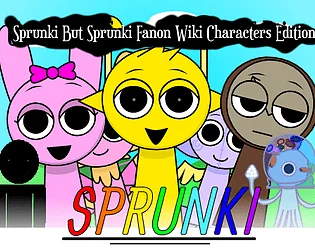
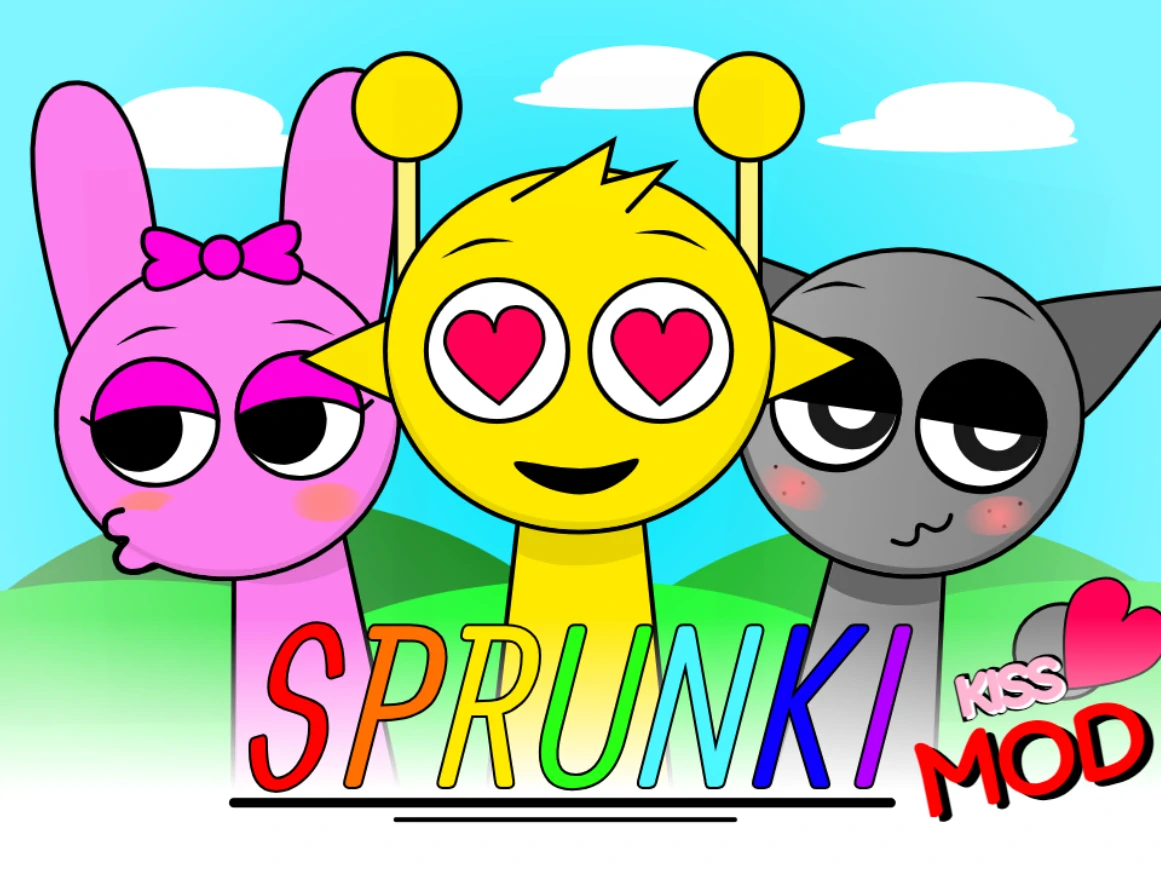
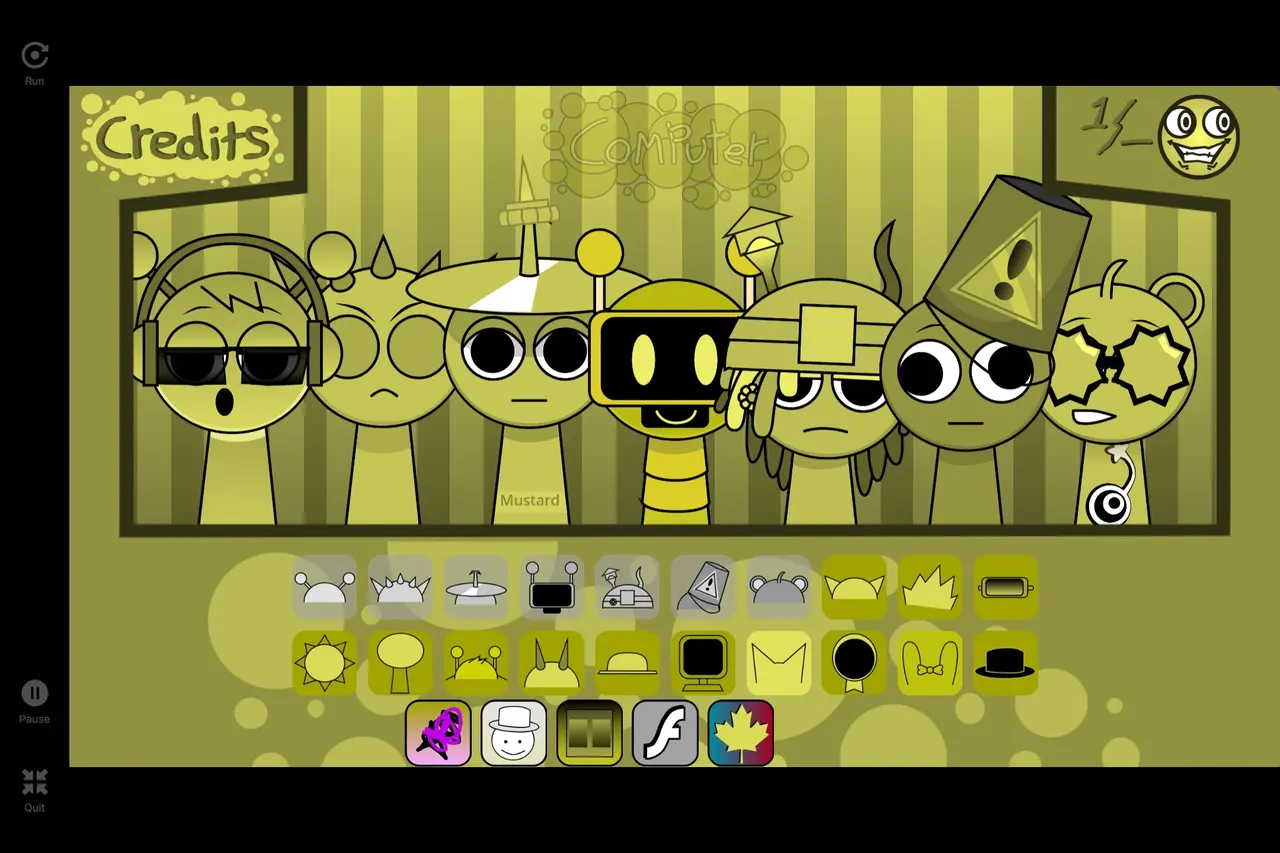
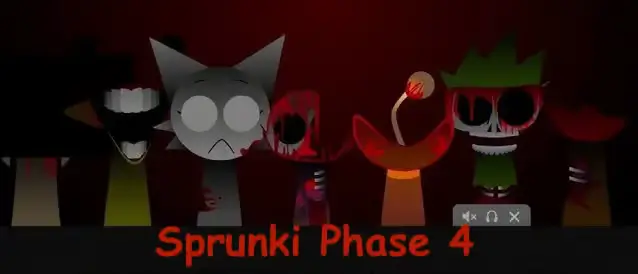
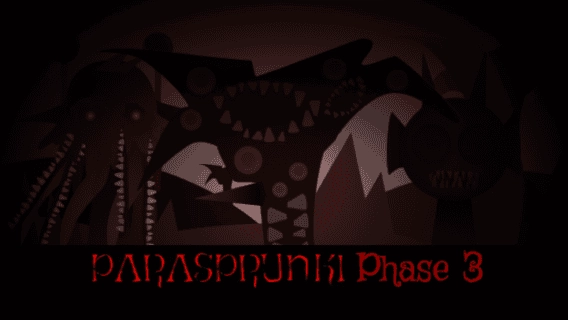
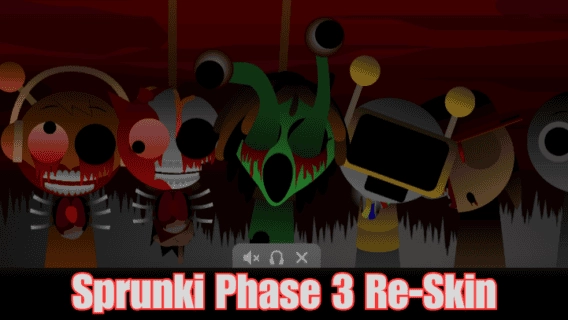
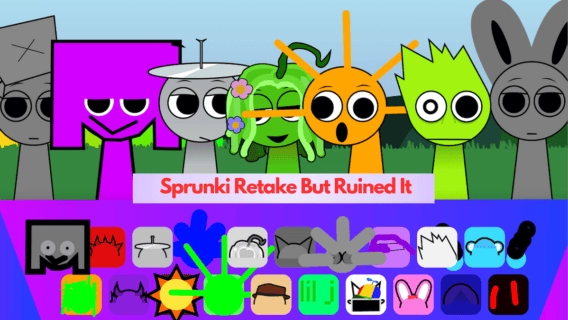
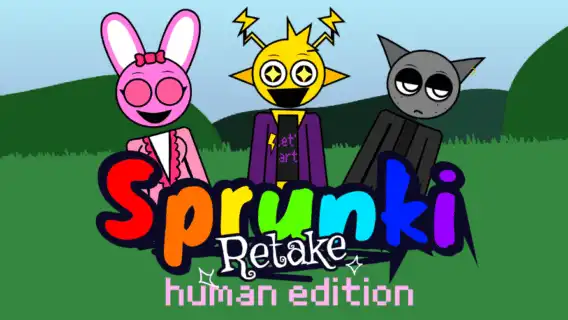
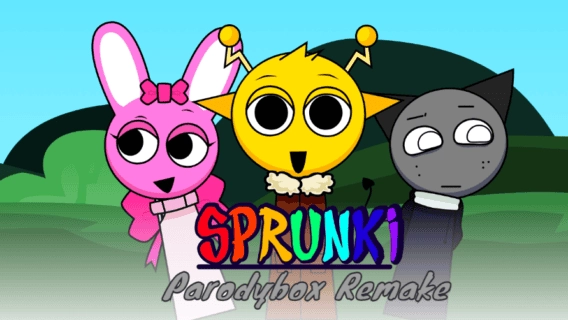
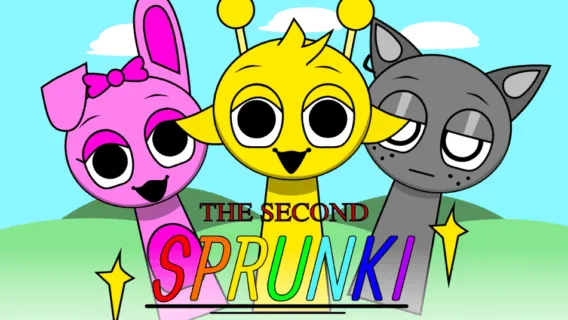
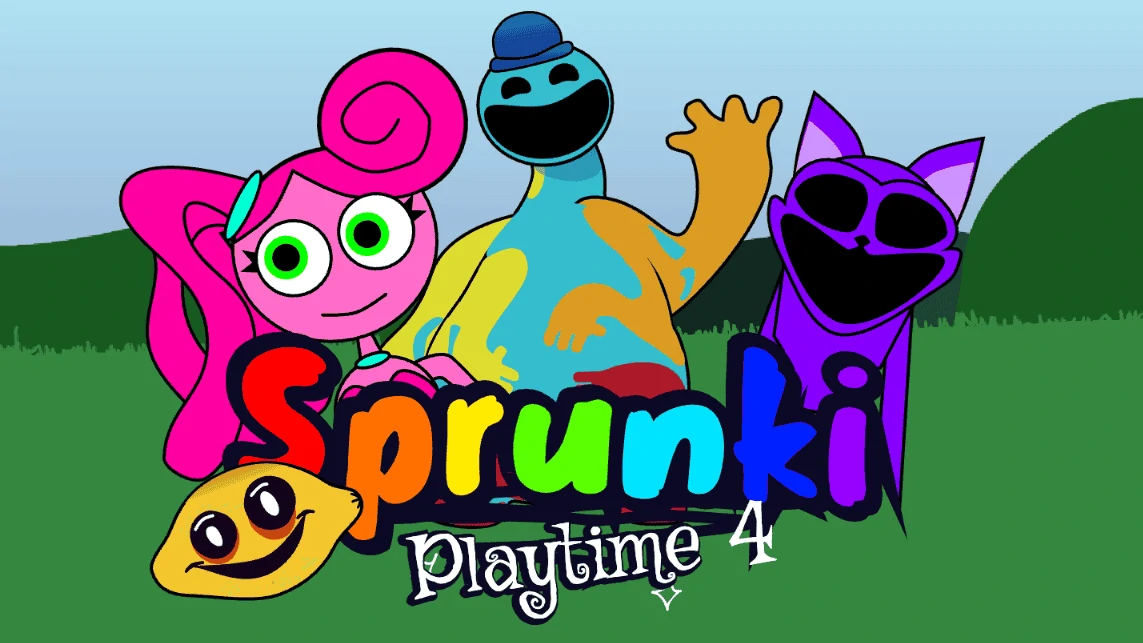
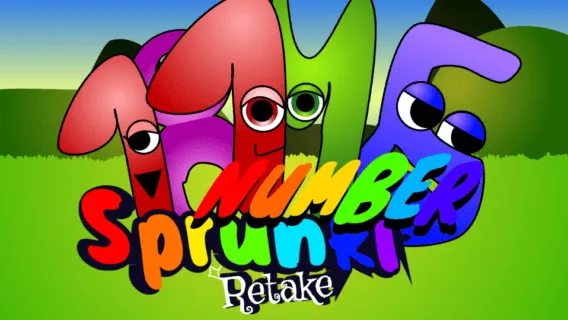
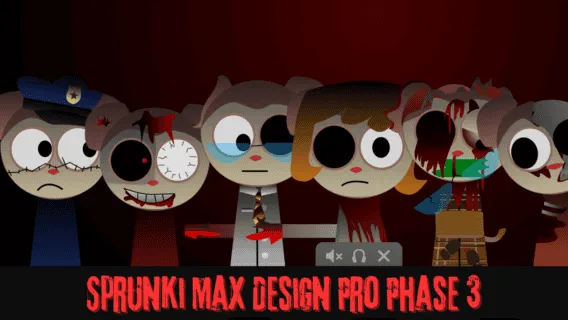
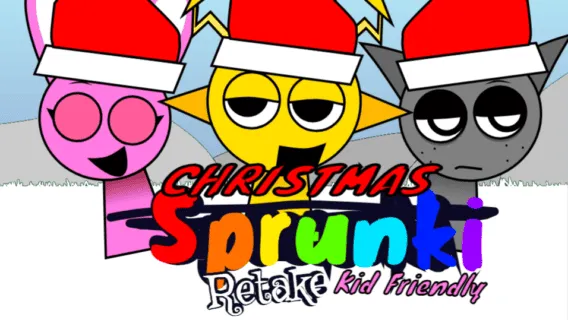
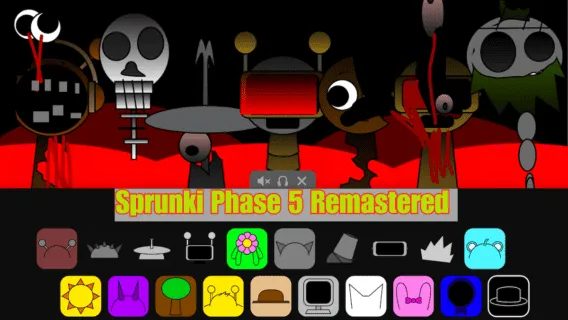
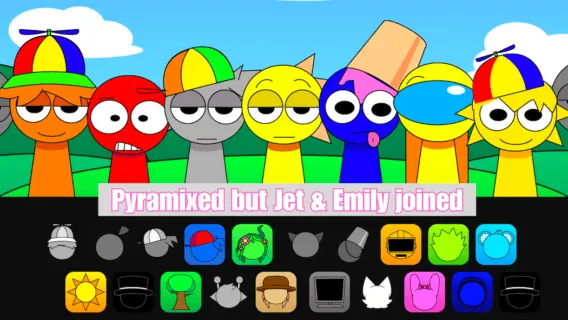
Once you master the base Sprunky stage, explore the 20-character encyclopedia to inspect every performer’s normal and horror sound role, or branch out into fan-favorite community mod collections including Phase 3, Retake, Pyramixed, Mustard, and Scratch editions—all hosted directly in your browser.
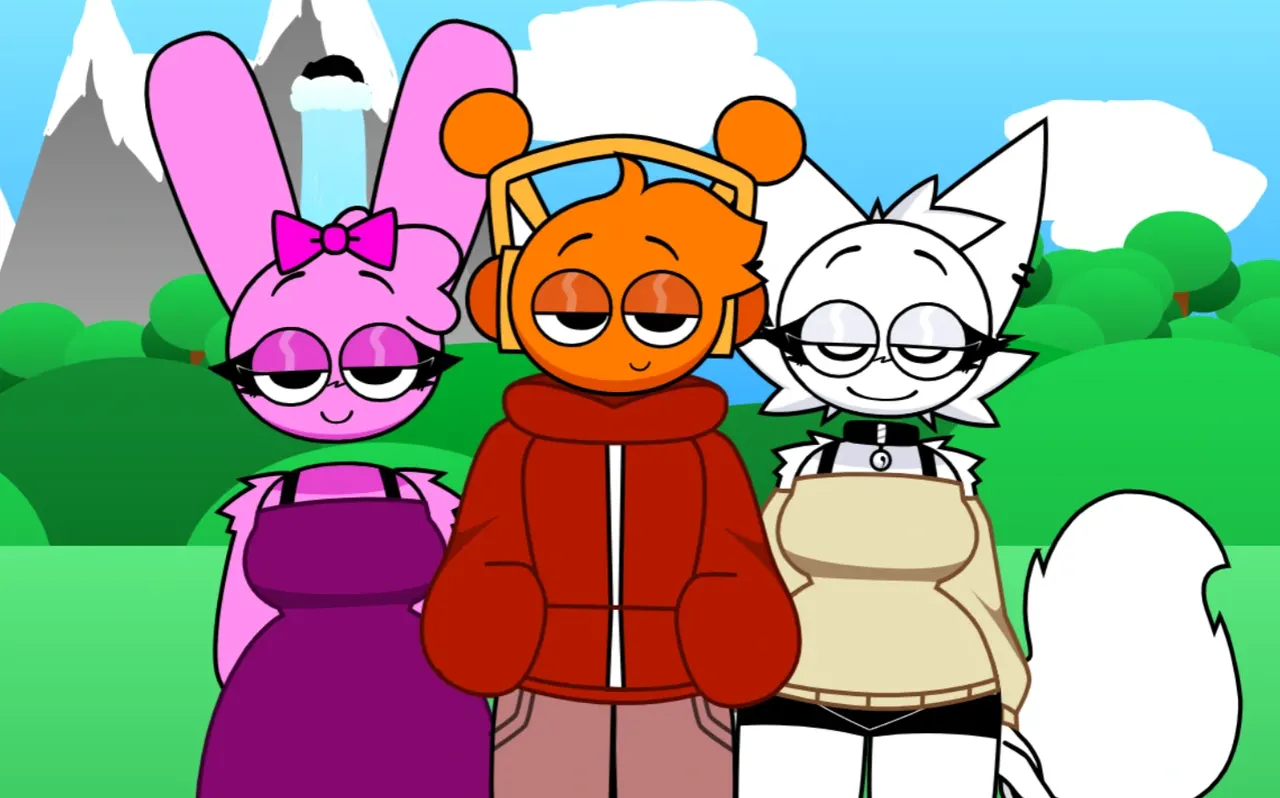
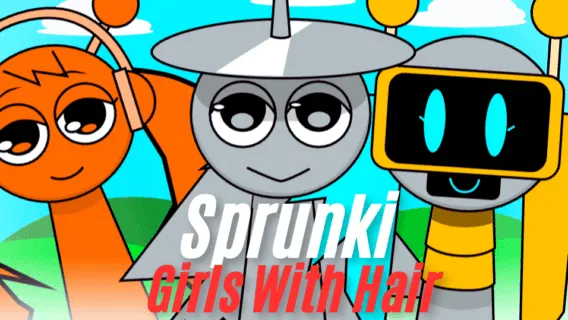
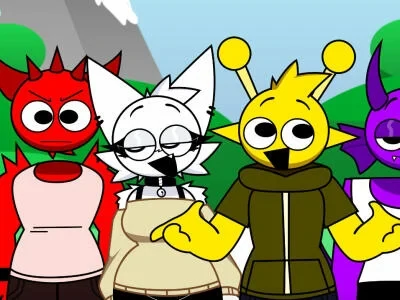
For a bold visual twist on the classic lineup, try Sprunki Sprunker to mix loops with its thick-outlined, white-ring-eyed outdoor cast and orange headphone lead performer.
Sprunki Sprunker
Meet all 20 characters & sound roles
Browse all 1,400+ playable mods & games
Explore Unlocked Browser Games (/unlocked-games)
Sprunky: frequently asked questions
Is Sprunky the same game as Sprunki?
Yes. Sprunky is simply the common phonetic spelling players type after hearing the name in videos or voice chat. This /sprunky page launches the same 20-character browser music mixer with sunlit and horror phases.
How do I trigger horror mode inside Sprunky?
Drag the black top-hat icon (the final icon in the lower row) onto any empty performer on the Sprunky stage. The backdrop, character animations, and all audio loops immediately switch into the darker horror phase.
Why does Sprunky have no sound when I first drop an icon?
Browsers block automatic audio until you click or tap inside the player canvas. Tap once inside the Sprunky stage, confirm your browser tab and device volume are unmuted, and drag a beat icon onto the first silhouette.
How can I save or share a Sprunky beat permanently?
Reloading resets the live drag-and-drop stage, so note your slot order or switch to our 16-Step Beat Maker Studio at /mix to save a permanent shareable sprunki.com/mix link and export a 15-second vertical video.



Discuss sprunki
Which game did you play, and how did your mix turn out? Tell us below.
Loading comments…