Which Sprunki Phase 6 version are you looking for?
Phase 6 is used in the names of several fan-made music games. The same phase number does not mean that two pages contain the same characters, stage or sound loops. If you arrived from a video, compare the actual game screenshot before pressing play.
The cards show the builds hosted here. They help you choose a game you recognize; they do not certify a creator, an official release or a position in a single story timeline. If you are still exploring, start with the default player, then open another version to compare it.
Compare the five playable builds
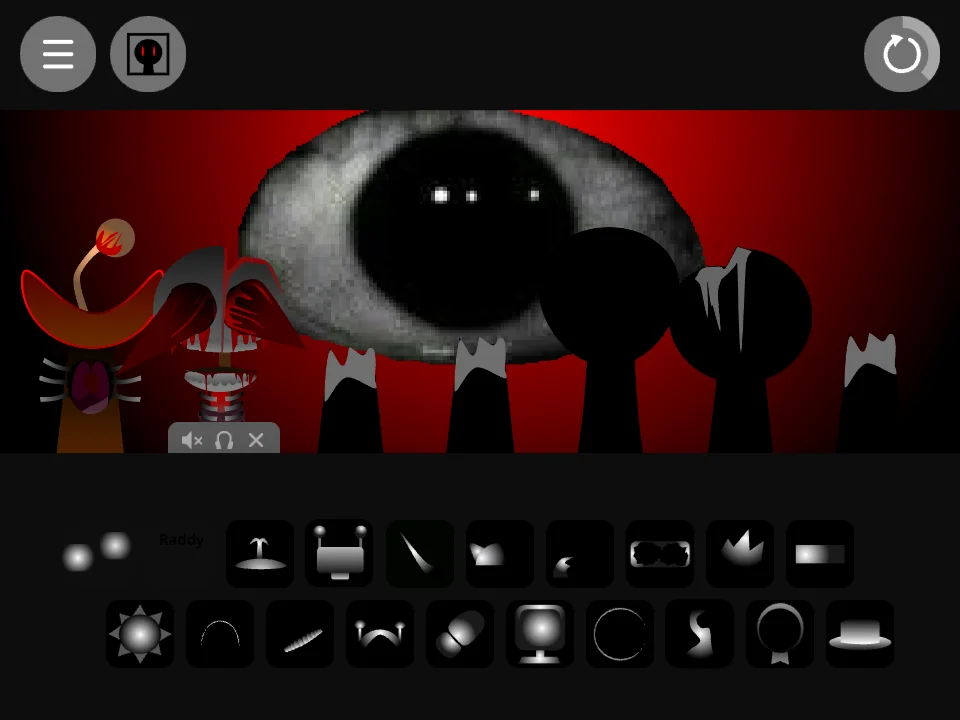
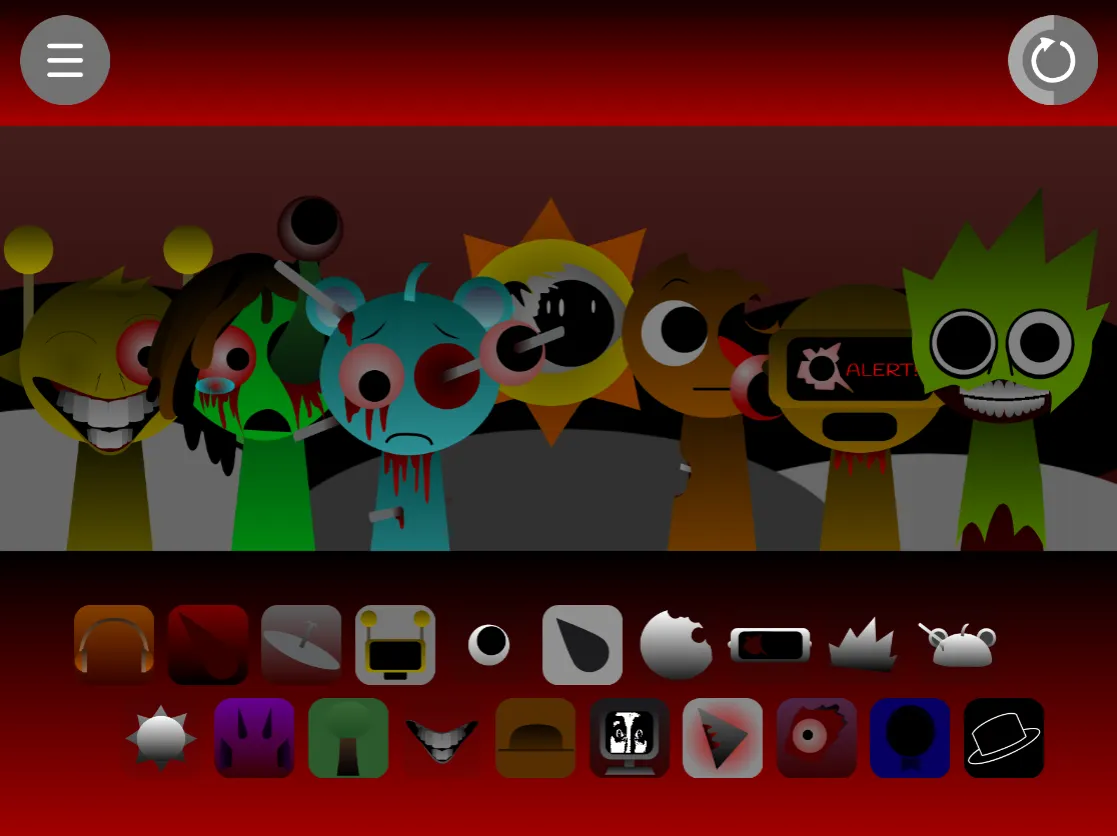
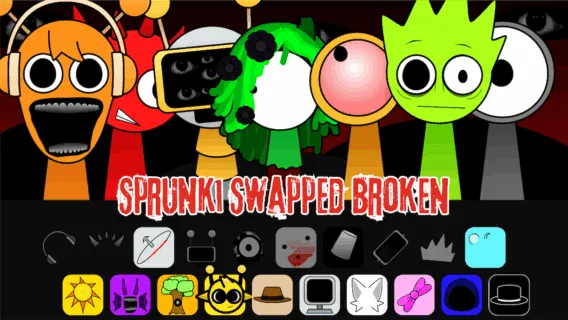
Fan-made: Look for the red stage and the giant eye in the background. The opening title identifies this build as Phase 6 (fan made). It is the game that also plays on this hub.
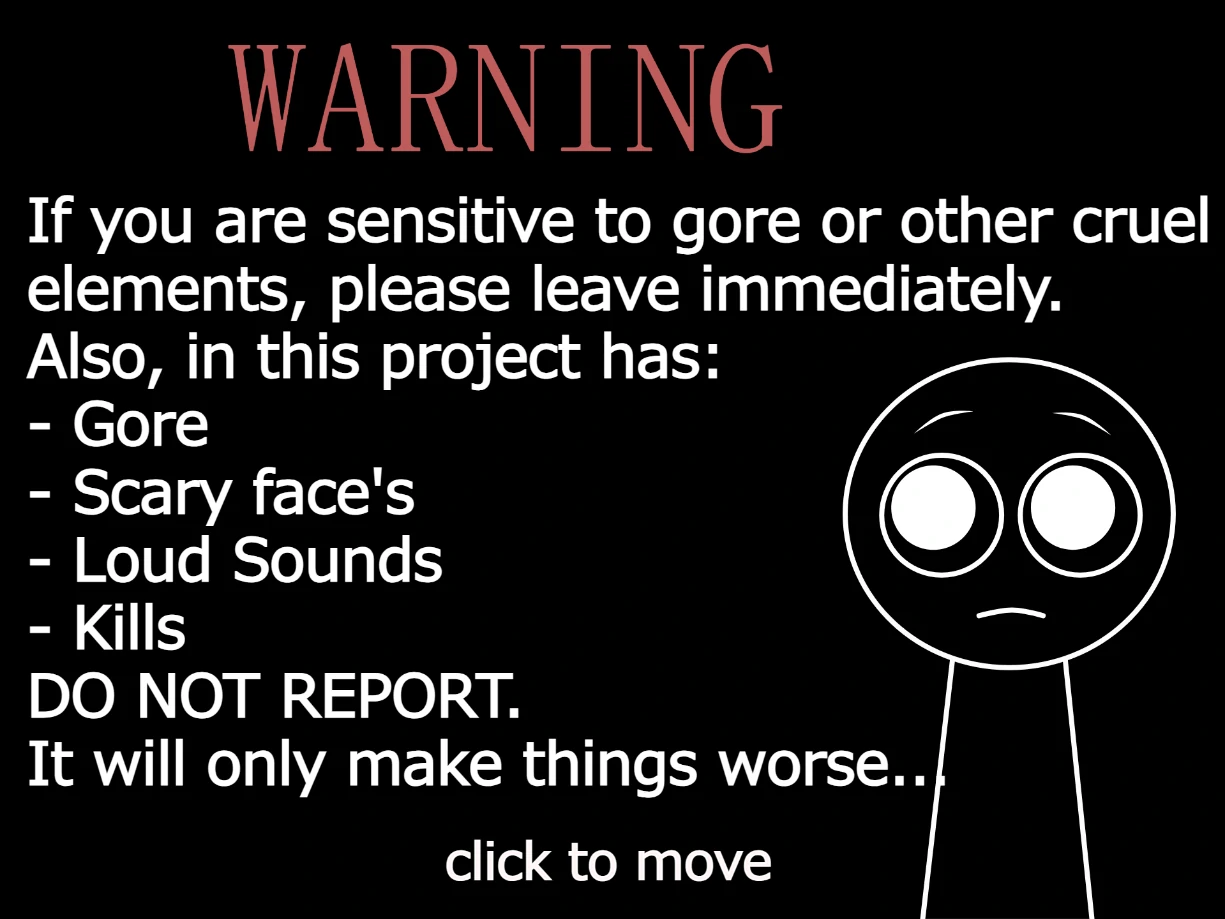
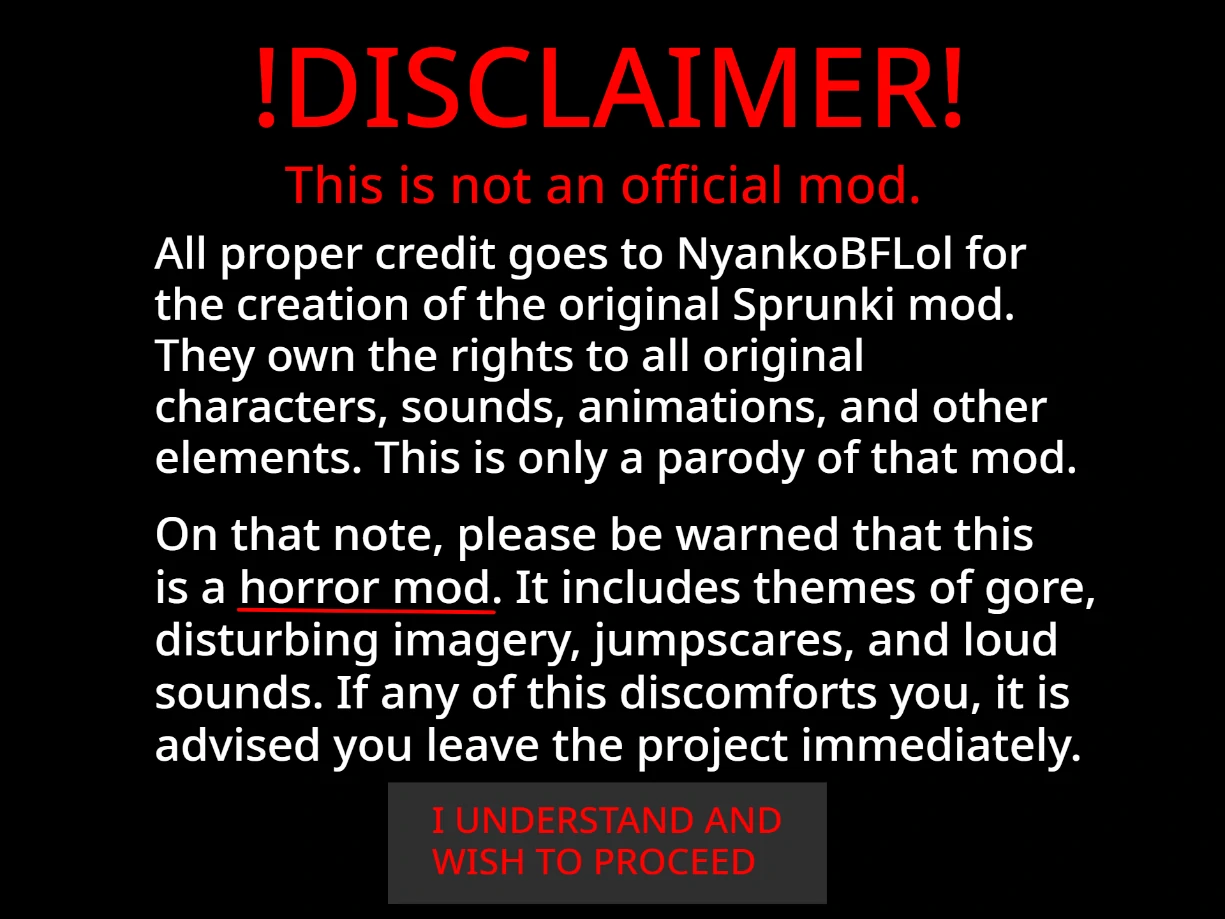
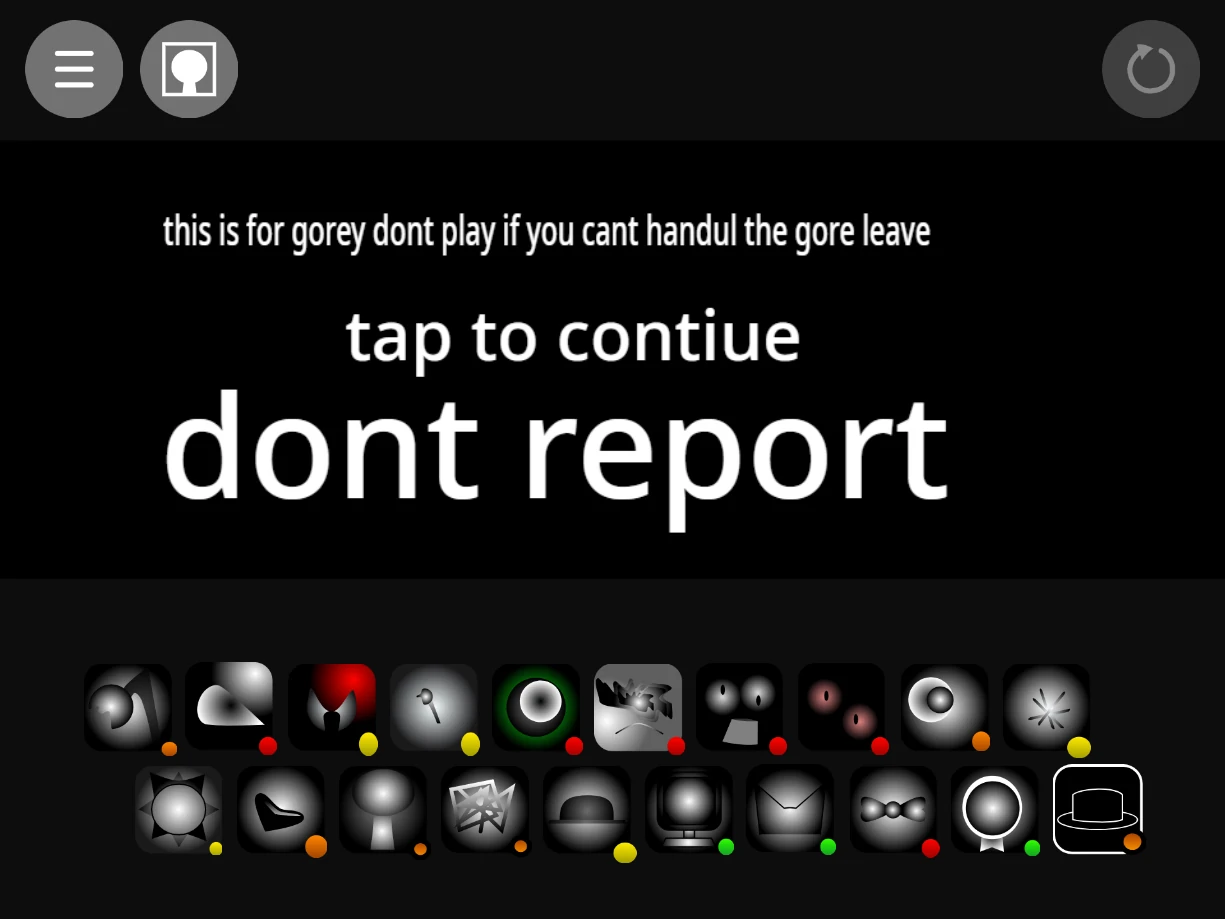
Original: Look for a pale pink stage. Original is the historical name of this listing, not a verified claim that this is the first or official Phase 6. The startup screen now gives a short fan-made and horror-content notice.
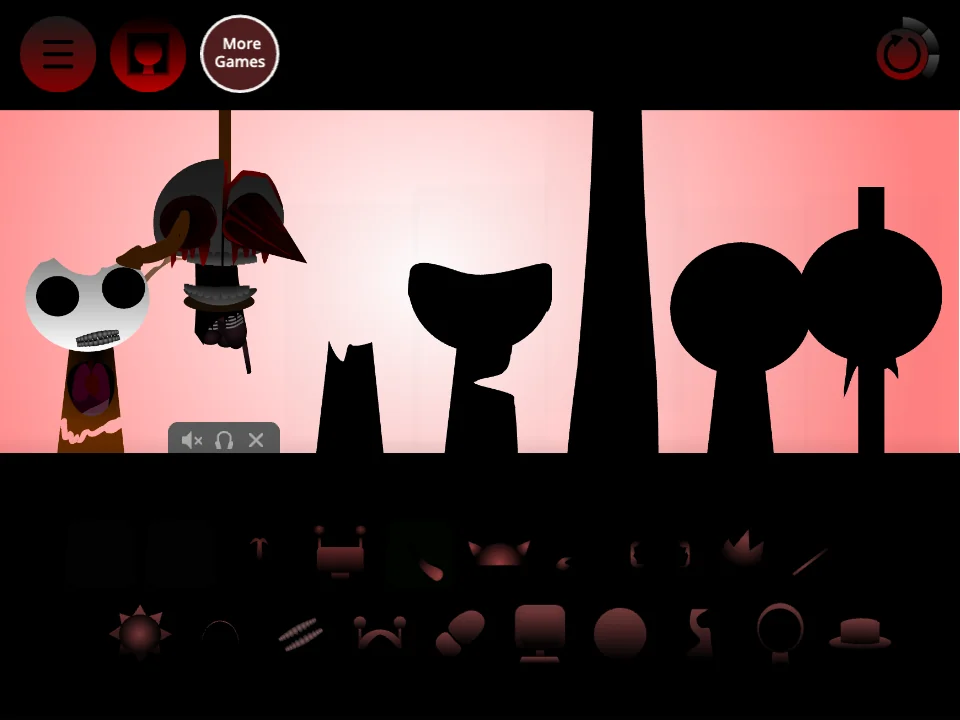
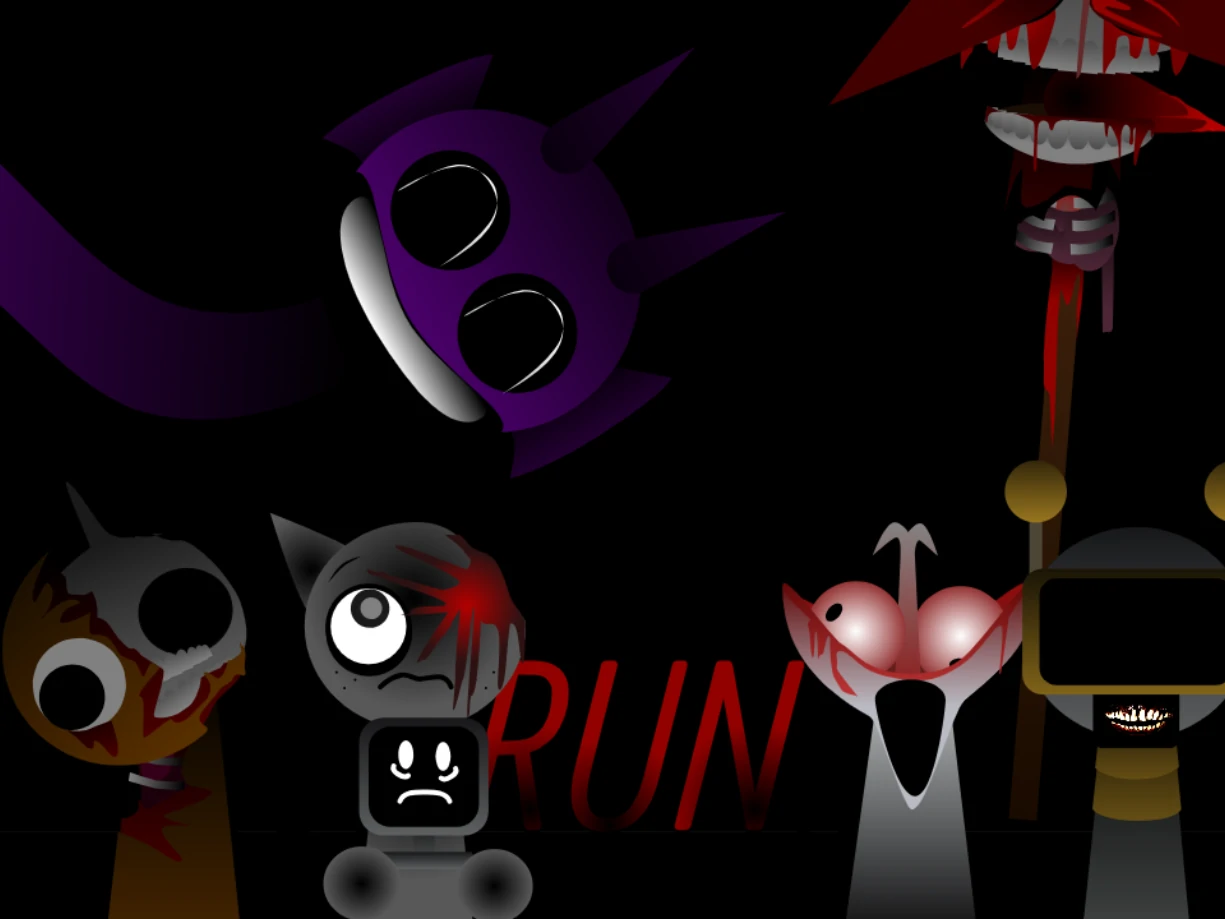
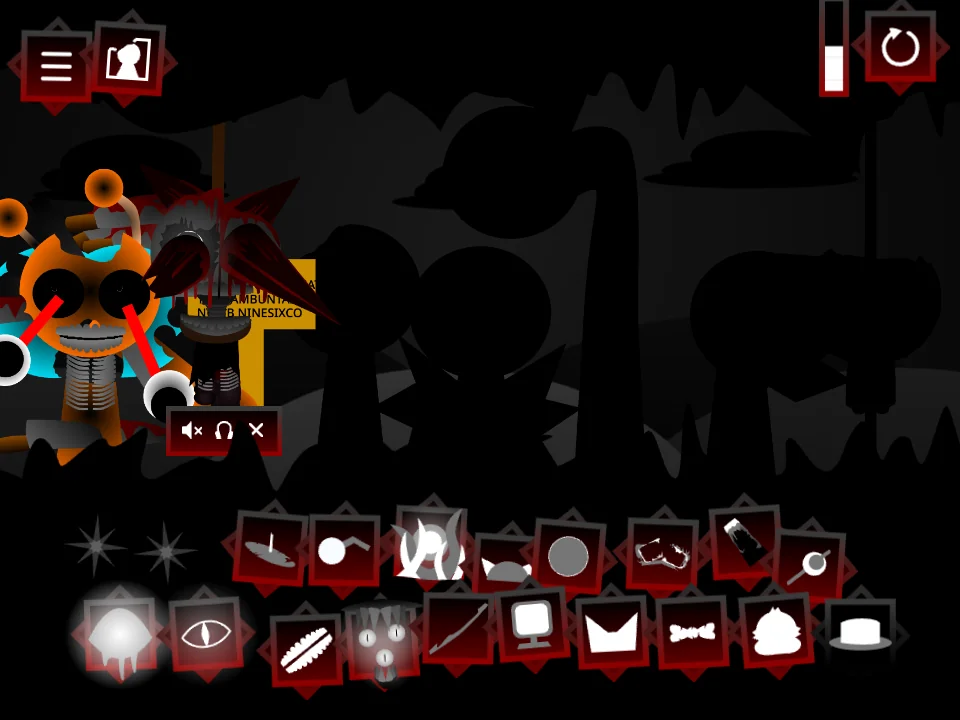
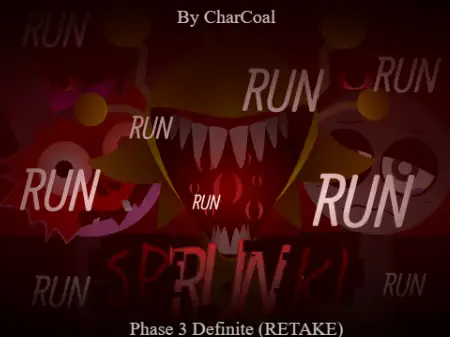
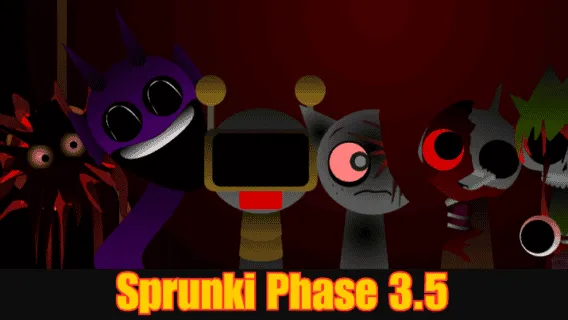
Definitive: Look for a dark stage with silhouetted figures and angular red frames around the sound icons. This is a separate fan build, so select its own page when this is the layout you recognize.
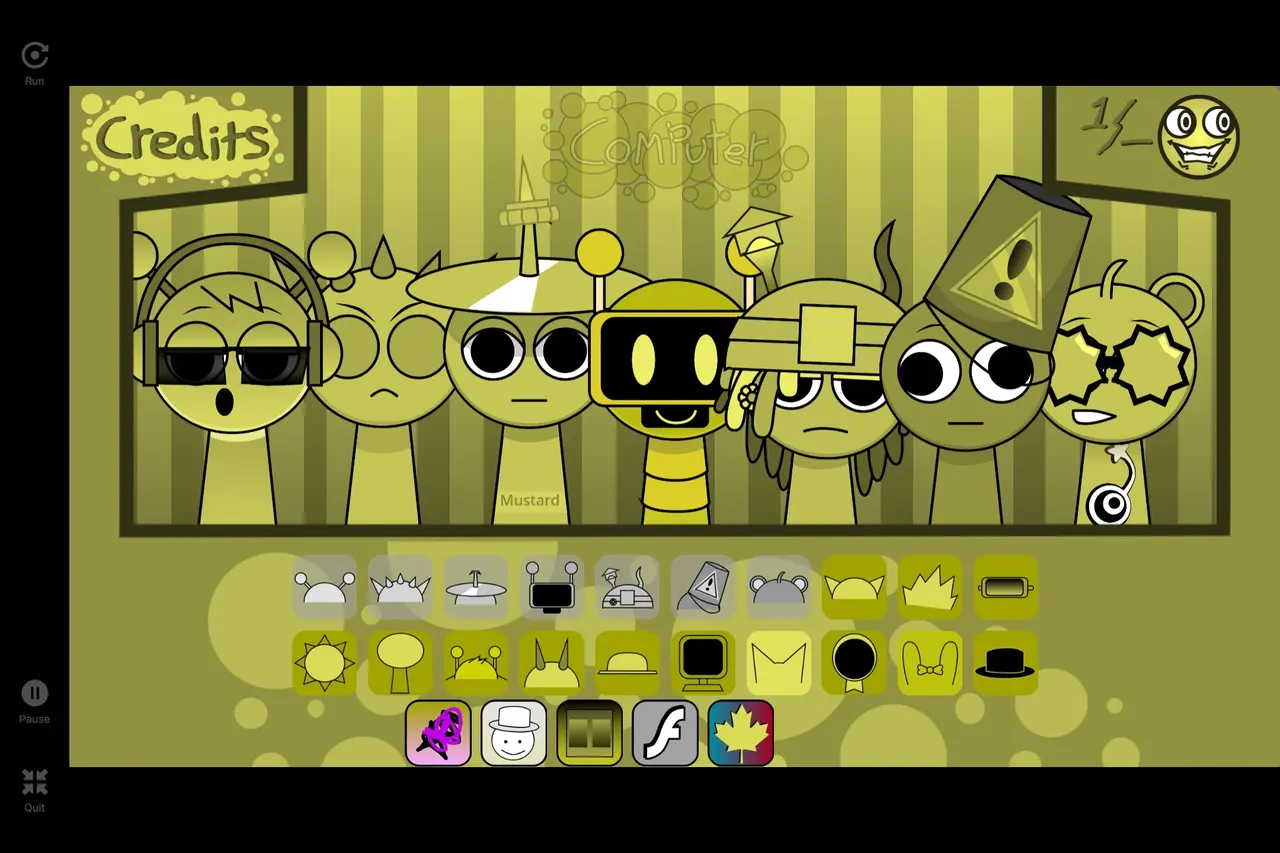
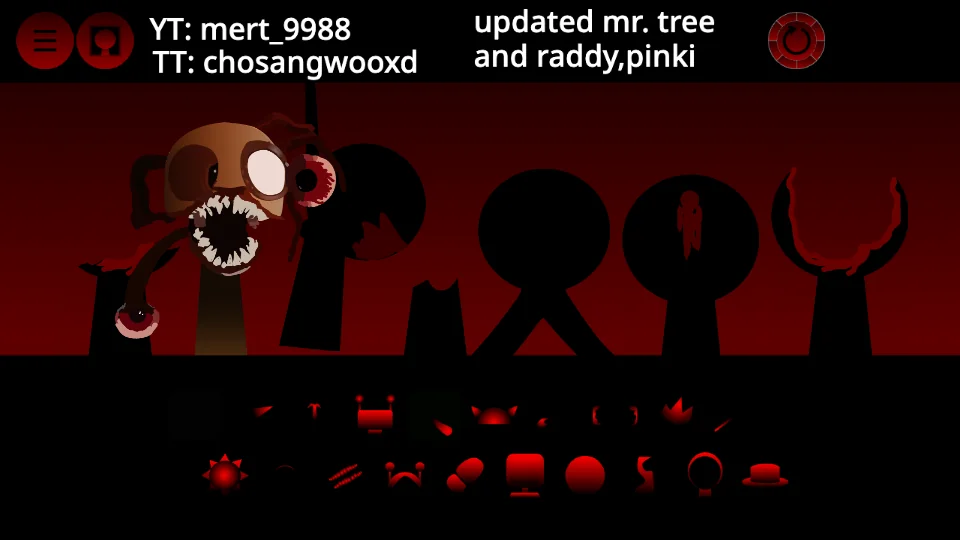
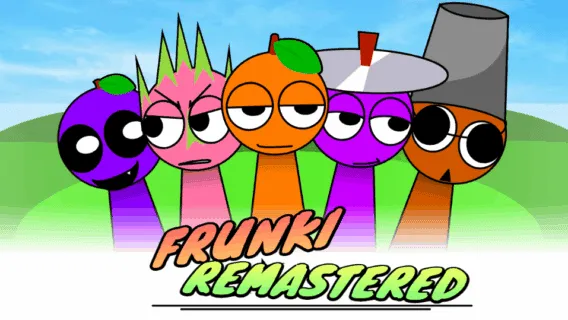
Remastered: Look for the red stage, red-tinted sound icons and account credits above the play area. Those visible credits help identify this hosted build, but do not establish the original creator.
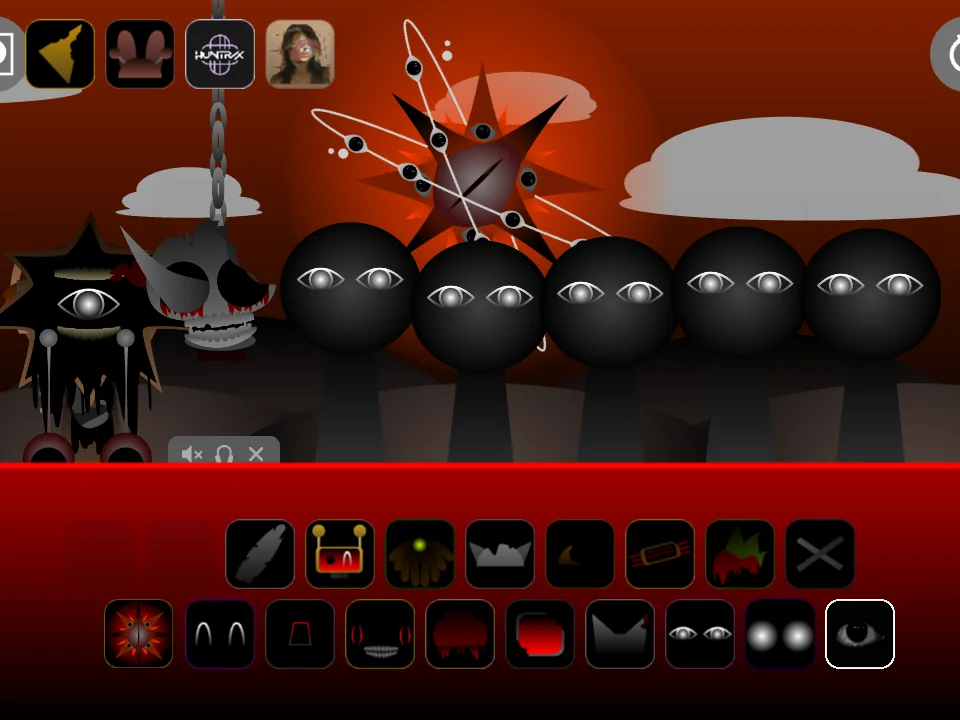
The Scarlet Sun: Look for the spiked sun above gray-eyed figures and a red icon panel beneath the stage. Choose this page when the sun and this arrangement match the version you want.
Play Fan-made
Play Original
Play Definitive
Play Remastered
Play The Scarlet Sun
How to start your first mix
These are browser music-mixing games, so the first useful result is a sound you have chosen and combined. You do not need to finish an earlier phase on this site before opening one of these pages. The separate versions load independently.
1. Choose a version, open its player and wait for the game to finish loading. Read the startup notice before continuing.
2. Click or tap inside the game to start. The browser may require this interaction before it allows sound.
3. Drag a sound icon onto a character position on the stage. On a phone or tablet, use a finger; on a computer, use the mouse.
4. Add another sound and listen to the combination before filling more positions. Start with a small mix so you can hear what each addition changes.
Playing on a phone or computer
The site player supports mouse and touch interaction. On a small screen, the fullscreen control can make the sound icons easier to reach; turn the phone sideways if you need more horizontal space. Keep the game in view while dragging so a page scroll does not interrupt the gesture.
There is no separate app installation for these hosted games. Your browser still downloads the game assets, and the first load can take longer on a slow connection. Opening several versions at once makes more downloads compete for that connection.
If the game is loading or you cannot hear sound
First check whether the stage has appeared. If it is still loading, allow the download to complete before repeatedly reopening the player. Once the game is ready, click or tap inside it, add a character and check your device volume and whether the browser tab is muted.
If the stage never appears, try reloading once or opening another version from the cards. Reloading restarts the game and can clear the mix you were making. If you report a problem in the comments, include the version name and whether you are using a phone or computer; that makes the affected build easier to identify.
Sprunki Phase 6 Games: questions
Is this the real or official Sprunki Phase 6?
This page brings together five playable fan builds. We have not verified that any of them is an official Phase 6 release. Original is a historical listing name, so use the screenshots and descriptions to identify the build rather than treating the name as proof.
Are Sprunki Phase 6 and Phase 6 Fan-made the same game here?
Yes. The player on this hub uses the same Fan-made game package as /phase-6-fan. The hub helps you compare five versions; the Fan-made page focuses on that one build.
Do I need to unlock Phase 6 by playing earlier phases?
No earlier-phase completion is required to open the five hosted games on this site. Choose a card and launch that version directly.
Why does a Phase 6 video look or sound different?
A video may show a different fan build, remake or edit. Compare the stage, icon panel and version name with the actual screenshots here. A matching phase number alone does not identify the same game.
Which song does a Phase 6 character play?
That depends on the build and sound icon. We have not verified a track-source list for these five packages. Open the matching version and listen to the icon you mean; the same character name in another remix is not a reliable song reference.


Discuss sprunki
Which game did you play, and how did your mix turn out? Tell us below.
Loading comments…