The opening view of this Angry build
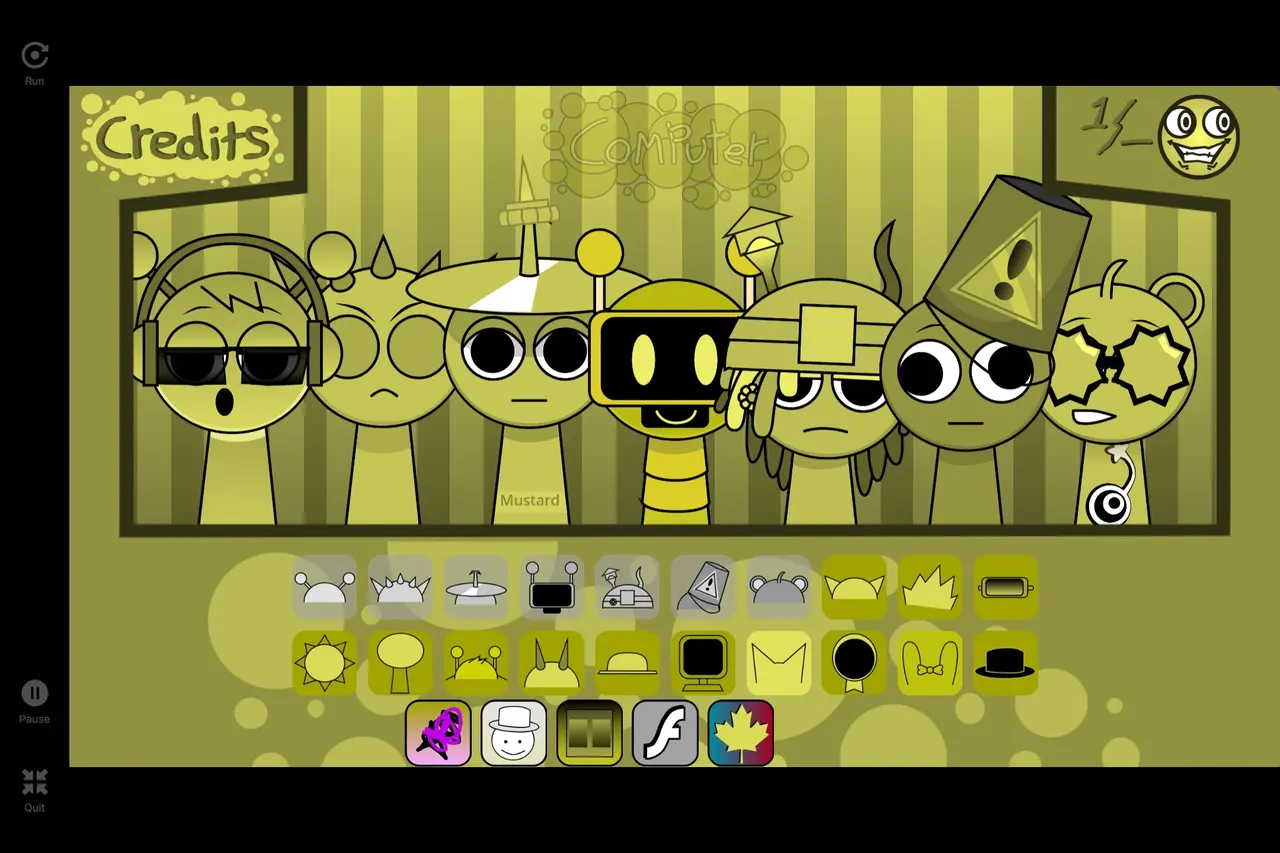
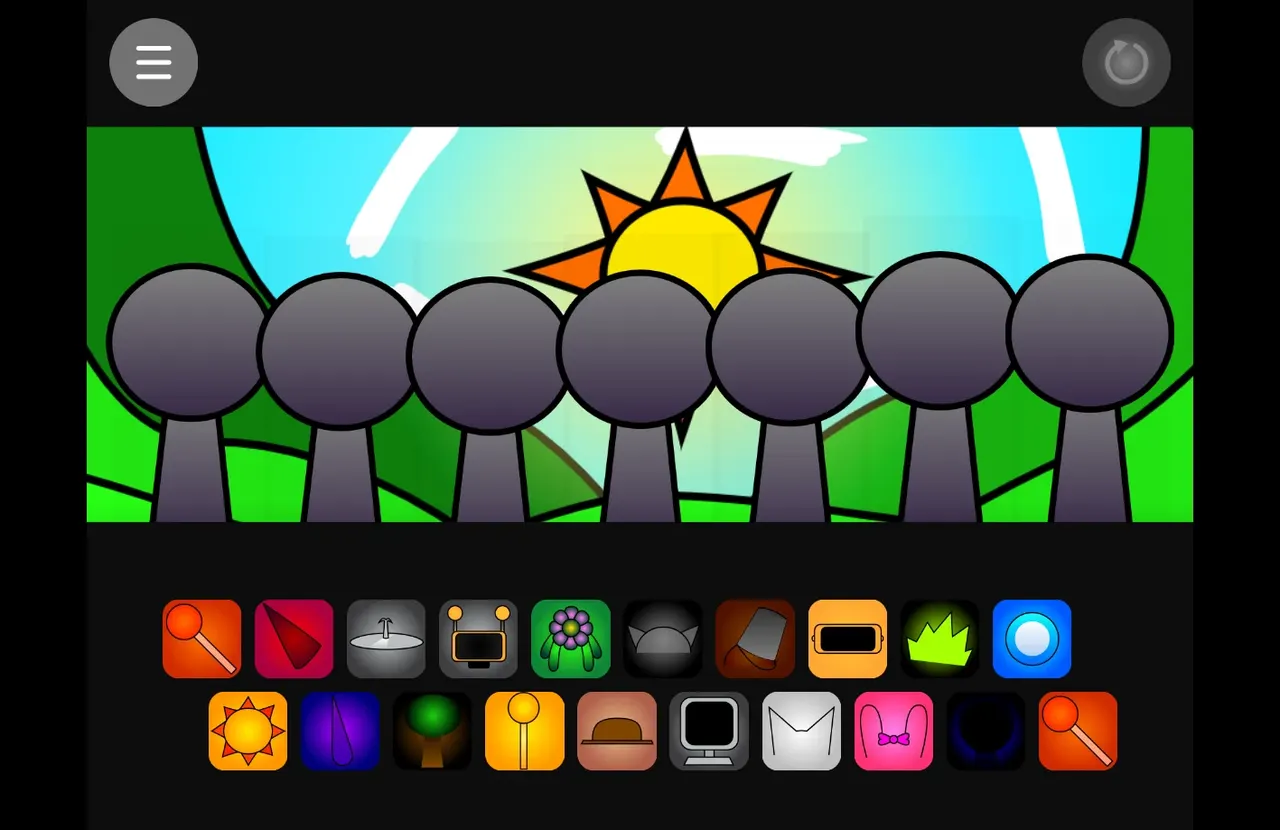
The game identifies itself as an Angry version, while its opening stage has a blue sky, white clouds, green hills and seven grey figures. Twenty sound icons occupy two rows below. The first icon adds an orange headphone-wearing performer with half-closed eyes.
Use the actual preview to compare this hosted build with an Angry video or another fan version. Its title alone does not describe a scoring system or a particular sound combination.
Start with one sound
Let the player finish loading, then click or tap inside it. Drag the first icon in the upper row to the leftmost stage position. Once its loop is playing, add another part to hear the two sounds together.
Drag with a mouse, or press an icon and slide it onto a figure on a touch screen. A landscape view gives the icons more room. If sound is blocked, tap inside the player and check the tab or device volume.
The first load includes about 46.8 MB of game data. Allow time on a slower connection and wait for the loading indicator before restarting.
Choose another sound-and-character presentation
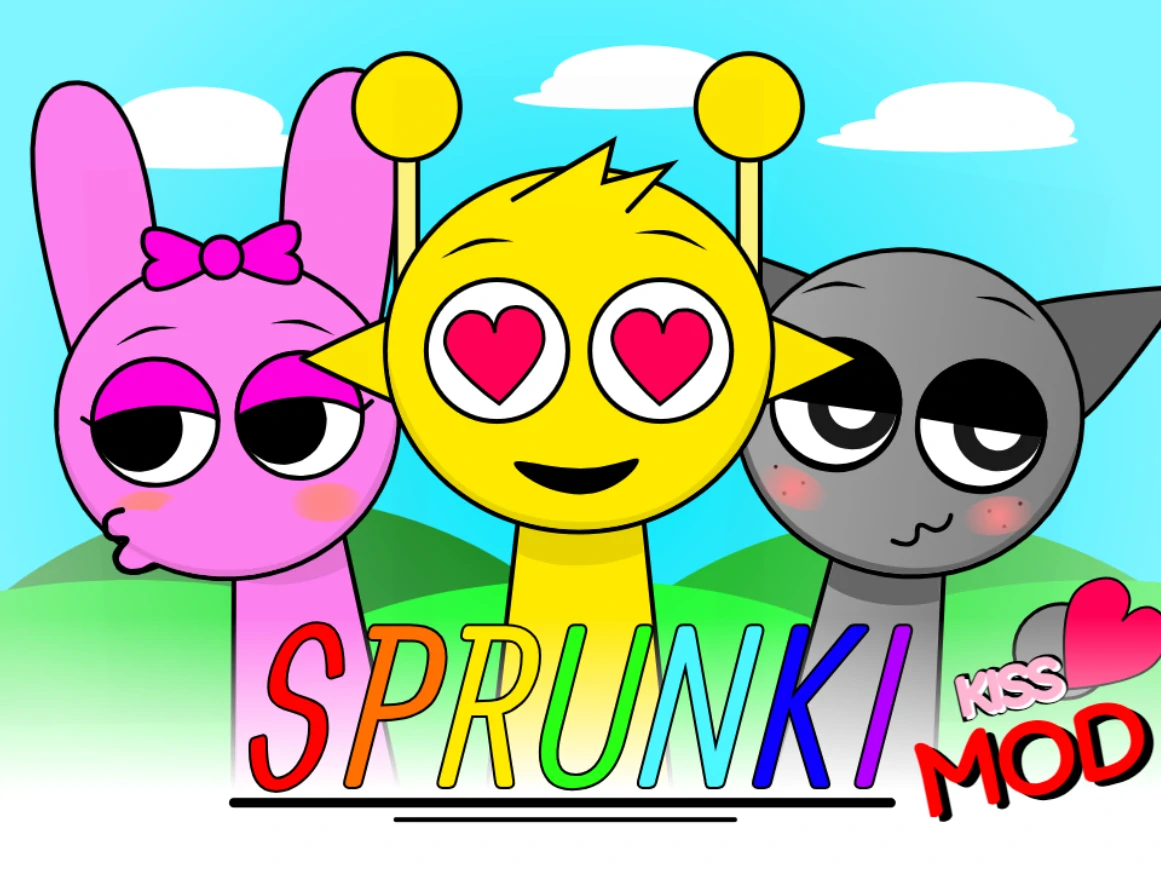
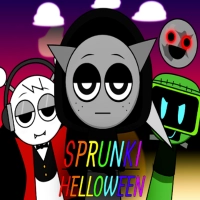
Love Mod has clearly visible heart eyes and floating hearts in its opening. Halloween uses a night sky and seasonal costume details. These are separate game entries with their own previews.
Sprunki Love Mod
Sprunki Halloween
Layering & Combo Quest Arrangement Strategy in Sprunki Angry
Layer your arrangement in four clear frequency roles—kick pulse, crisp off-beat hat, warm bassline, and one memorable top melody—removing any slot that blurs the main rhythm. Because Sprunki Angry runs as a browser character beatbox build featuring loop-synchronized percussion, bass, synth chords, and expressive character vocals, leaving brief breathing space between solo phrases makes every character entrance hit harder when the bar loops back to beat one.
As you experiment on the stage, watch the Combo Quests badge tracker directly beneath the player controls: launching your first beat unlocks Rhythm Igniter, holding an active three-minute groove session completes Harmony Weaver, and testing a neighboring mod build unlocks the Multi-Mod Producer badge across your browser profile.
Mobile Performance & Beat Studio Workflow for Sprunki Angry
Sprunki Angry runs directly inside modern desktop, Chromebook, and mobile browsers with touch drag-and-drop support; rotating smaller phone screens to landscape gives you wider spacing across both rows of sound icons.
Because reloading the tab resets the live Scratch stage, note your favorite character slot order once a loop clicks—or jump into the 16-step Beat Maker Studio to program your own drum, sub-bass, and synth pattern that saves as a permanent shareable sprunki.com/mix link and exports a 15-second vertical video clip.
Create & Share Your Own Beat in Beat Maker Studio (/mix)
Open the Online Beat Maker Arcade Hub
Sprunki Angry: common questions
How does Sprunki Angry differ from other browser character beatbox build builds?
Sprunki Angry is hosted at /sprunki-angry with its own preserved character cast and loop bank. Always check the page URL and stage preview before copying a mix recipe from another version.
What is the cleanest way to layer characters in Sprunki Angry?
Start with one steady percussive pulse and one bass slot, wait for a full bar cycle, then add chordal and lead vocal icons one by one while muting any overlapping midrange loop.
Can I play Sprunki Angry on a phone, tablet, or school Chromebook?
Yes. Tap once inside the stage to unlock browser audio, then drag sound icons onto characters with your finger or trackpad; landscape mode gives touch screens extra room.
How do I save or share a beat inspired by Sprunki Angry?
Stage arrangements reset if you reload the tab, so write down your character order or open sprunki.com/mix to sequence a 16-step track with a permanent share link and 9:16 video export.








Discuss sprunki
Which game did you play, and how did your mix turn out? Tell us below.
Loading comments…