
-3fc45c.webp)
Sprunkity
What is Sprunkity?
Sprunkity is a free music-mixing game you play in the browser. Drag a performer onto the stage and it starts looping; add another and the two parts lock together. The stage holds seven performers at once, so a mix is a small arrangement rather than a full orchestra, and every choice you add has to earn its place.
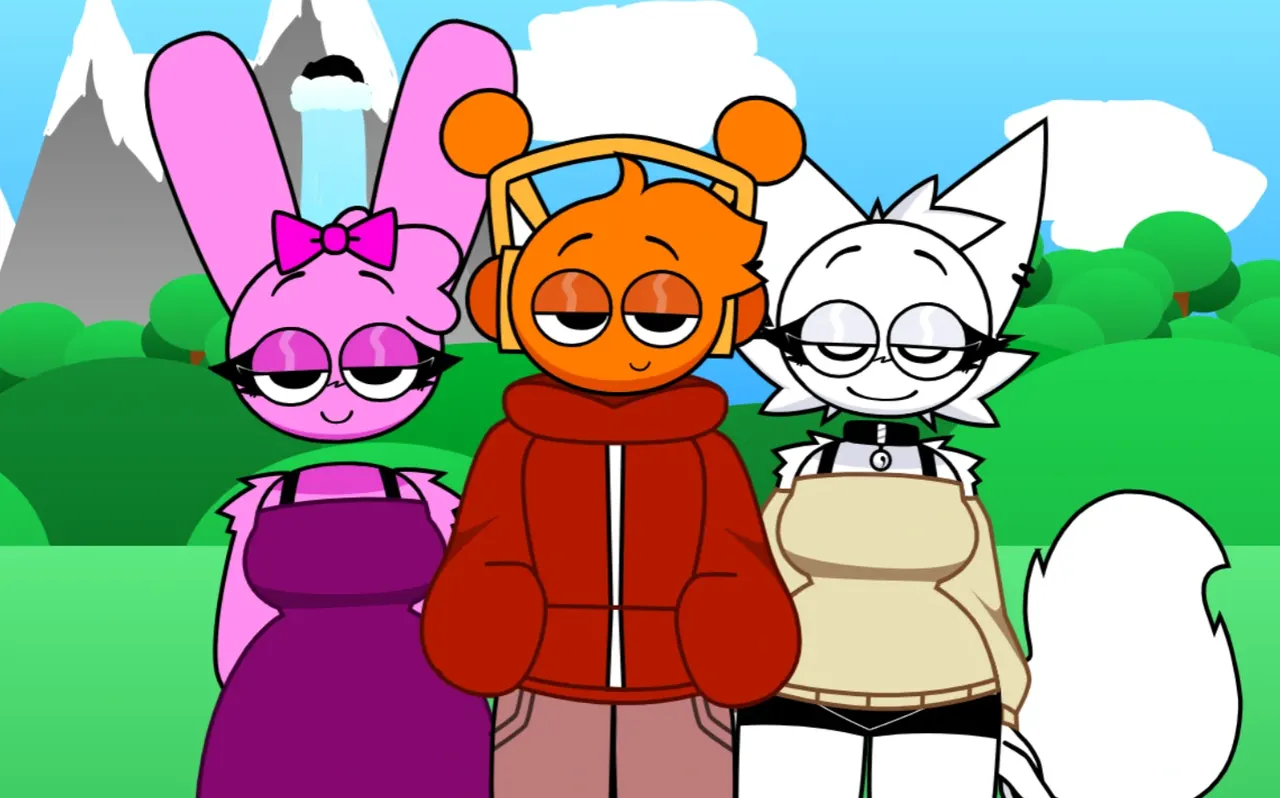
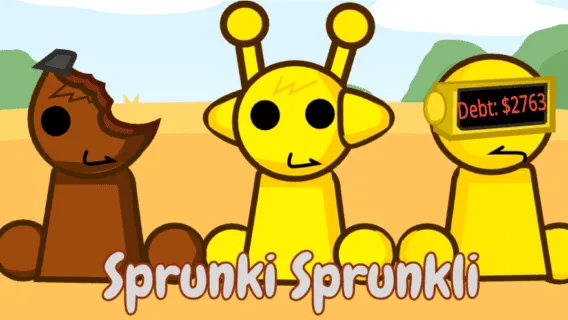
The game was made by sprunki1000 and published on itch.io on 13 October 2026. It is a fan mod in the Sprunki family: it borrows the drag-and-drop mixing idea and a familiar cast instead of starting from nothing. What it adds is its own mood, with green hills, a warm orange sky and clouds that smile back at you while you build the track.
This page is an unofficial fan guide. The game and its characters belong to their creator.
How to play Sprunkity
- Wait for the player above to finish loading, then click the green flag inside it. That first tap also unlocks audio, because browsers keep sound muted until you interact with the page.
- Drag one of the tiles from the two rows at the bottom of the game onto a grey figure on the stage. The figure takes on that character's look, and its loop joins the mix.
- Build in layers. Start with a steady beat, add a bass or low voice, then place the brighter voices on top. Three or four performers are usually enough for a clear first mix.
- Hover a performer on stage to reach its controls: mute, solo and remove. Solo is the fastest way to hear one loop on its own, and remove takes that part out of the arrangement.
- Press the space bar, or the round reset button at the top right of the game, to clear the stage and start again.
There is no score, timer or fail state. The goal is the loop you want to hear, so take your time and compare two versions of the same beat before you settle on one.
The cast: twenty characters and six bonus slots
Sprunkity uses twenty main characters, laid out in the two rows at the bottom of the screen. In the order they appear, they are Oren, Raddy, Clukr, Fun Bot, Vineria, Gray, Brud, Garnold, OWAKCX, Sky, Mr. Sun, Durple, Mr. Tree, Simon, Tunner, Mr. Fun Computer, Wenda, Pinki, Jevin and Black.
Each character owns a single loop, and their colour is a useful cue but not a rule. The orange tile is not automatically a bass and the yellow one is not automatically a lead; judge each part by how it sits against what is already on stage. If you know the wider series, the Sprunki character guide explains how the same cast is usually divided into beats, effects and voices.
Bonus icons and Verity
Six bonus icons sit in the top bar of the game, next to the menu button, beyond the twenty main characters. Only Verity is named in the game files, and it carries the "Hey, it's me, it's Verity!" vocal that the mod is built around. The other five are unnamed extras, so treat them as variations to test once the main cast makes sense.
The menu at the top left opens settings with a dark mode and seven accent colours, plus a gallery of 22 extra pictures from the creator. None of that changes the music; it changes how the stage looks while you work.
Which Sprunkity is this?
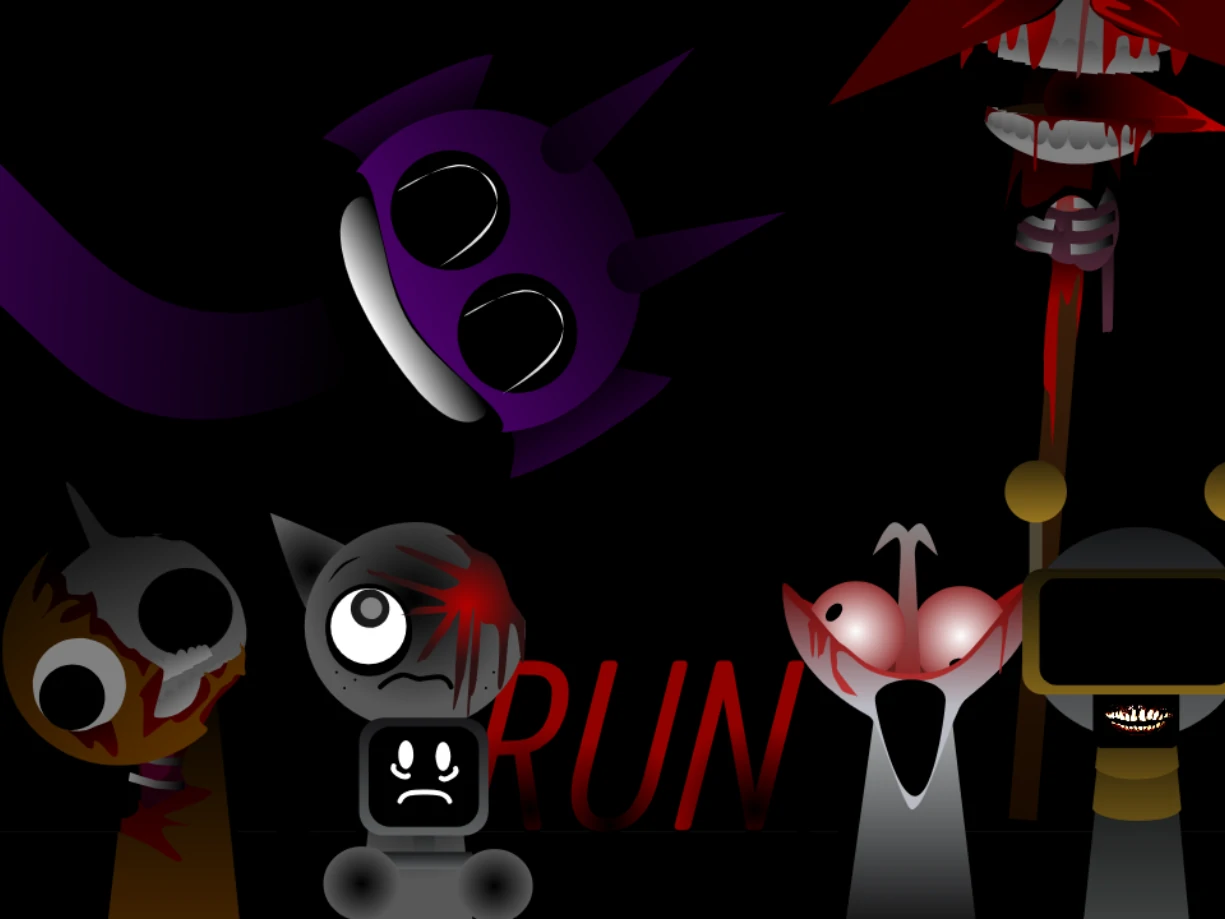
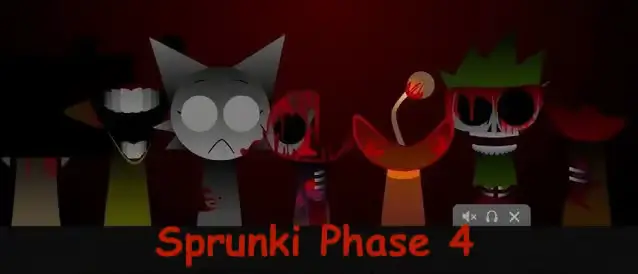
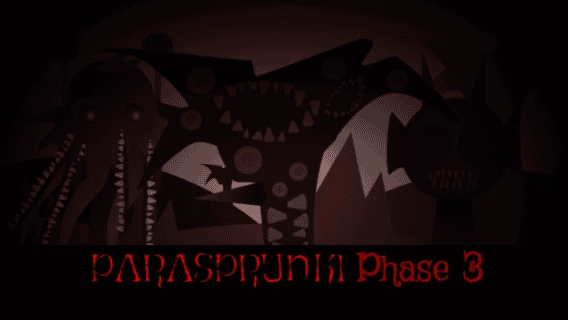
Two different projects share the name. The game on this page is sprunki1000's browser build, the version with seven slots and the smiling clouds. SPRUNKITY by TheGoodSprunkiOwner124 is a separate download-only game for Windows, macOS, Linux and Android, released in numbered phases. If you have seen "Sprunkity Phase 3" or "Sprunkity Phase 5" mentioned elsewhere, that is the other project rather than this one.
The browser build does not use numbered phases. Updates arrive as changes to the same game, so a guide written against an older build may describe a screen you no longer see. When the creator changes something, the player above is the source of truth.
If you want the line-up that started the series, play Sprunki Retake and compare the two; the alternate-colour idea is collected on the Sprunki Shifted page, and the phase pages live under Sprunki mods.
Tips for a clean Sprunkity mix
Start sparse. A beat, one low sound and one voice make the structure audible, and a fourth performer should have a job you can name. If two loops fight for the same frequency range, remove one and listen again instead of turning the volume up.
Seven slots is a ceiling, not a target. Empty space is what lets a listener pick out the parts, and a mix with four strong loops usually sounds better than one with seven crowded ones. Use mute for a bar at a time to create a drop, and solo to check whether a part is really contributing.
Keep two or three combinations you like and compare them back to back. The game does not save a mix, so if you want to rebuild one later, note which characters were on stage and where you put them.
New to the formula? The beginner guide explains the drag-and-drop controls from the ground up, and the full games catalogue is the fastest way to find another mod to test against this one.
Sprunkity FAQ
Who made Sprunkity?
Sprunkity was made by sprunki1000 and released on itch.io on 13 October 2026. It is a fan project, not an official release from the makers of the original music-mixing game.
Is Sprunkity free to play?
Yes. The game runs in the player on this page without a download, an account or a payment. There is no paid version of this fan mod.
Is this the same game as SPRUNKITY Phase 3, 4 or 5?
No. Those numbered releases belong to a separate download-only project by TheGoodSprunkiOwner124. This page plays sprunki1000's browser version, which does not use numbered phases.
Why is there no sound when the game starts?
Browsers block audio until you interact with the page. Click or tap once inside the player after it loads, then check your device volume. If it is still silent, reload the player and tap again.
Does Sprunkity work on a phone or tablet?
Yes. Drag and drop becomes tap and drag on a touch screen, and fullscreen gives you more room to place performers. A desktop browser still makes a seven-part mix easier to see.
Is this site made by the creator of Sprunkity?
No. This is an unofficial fan guide that hosts the playable build. The game and its characters belong to sprunki1000.
Keep mixing
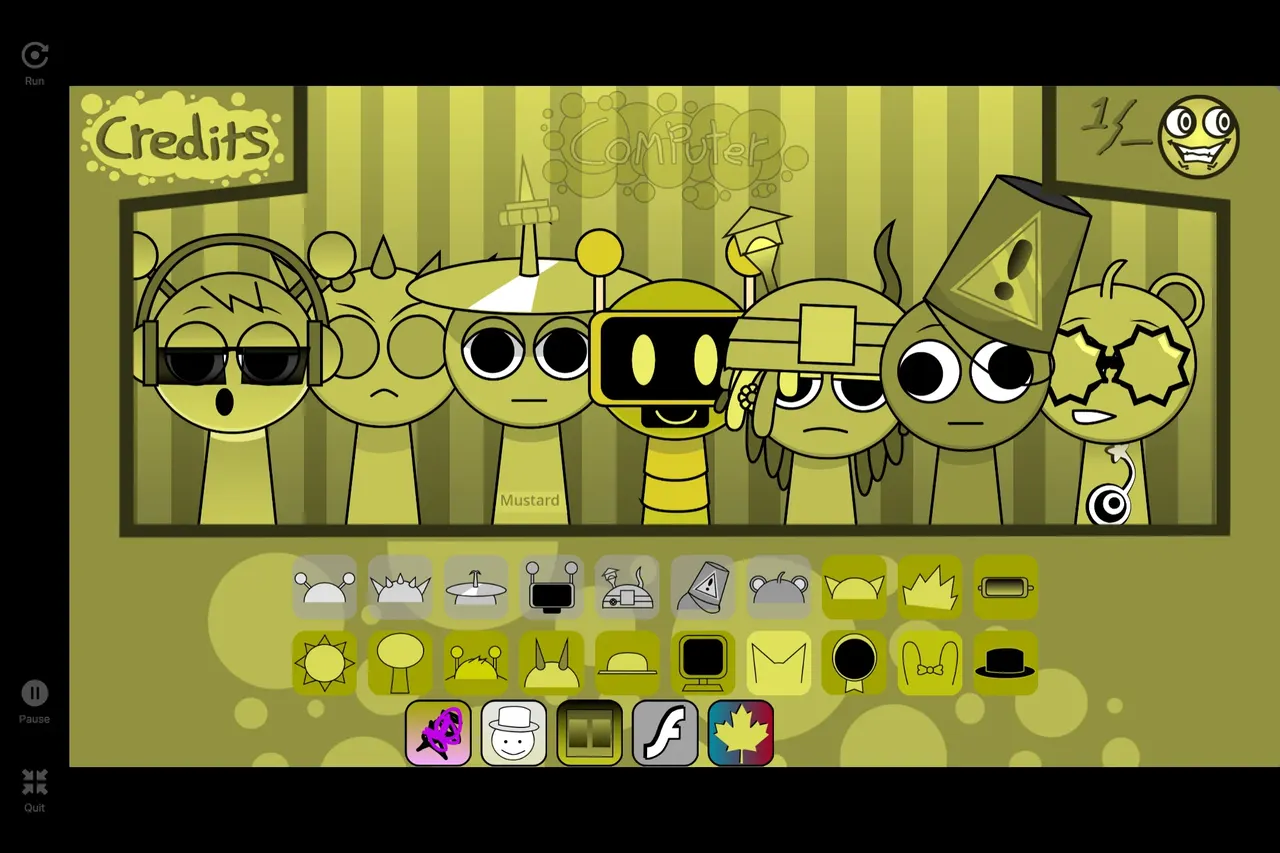
Sprunkity is one cheerful corner of a very large mod scene. Try Sprunki Mustard for a different palette, Sprunki Sad Mod for a moodier set of loops, or open the full games list and pick the next one by sound. The mod collection groups the fan versions by theme so you can compare them in one place.
Discuss sprunki
Loading comments…