Square characters on a block-shaped landscape
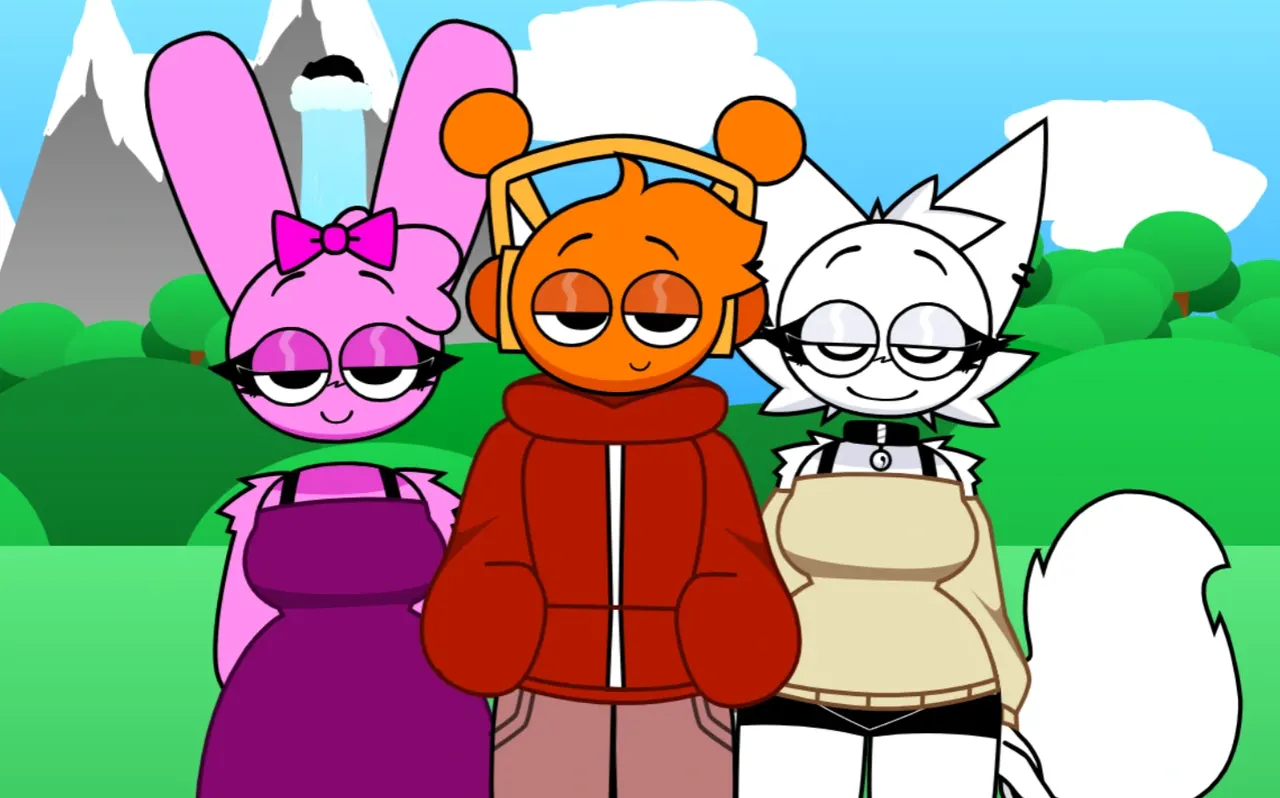
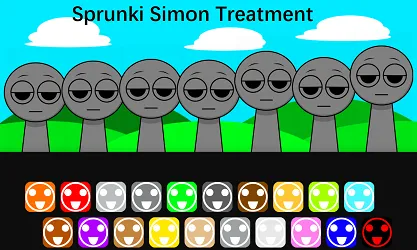
This Minecraft-style edition keeps the seven-character mixing stage and redraws the figures with square heads. The blue sky has block-shaped clouds above flat green hills. The first headphone icon reveals a square orange performer.
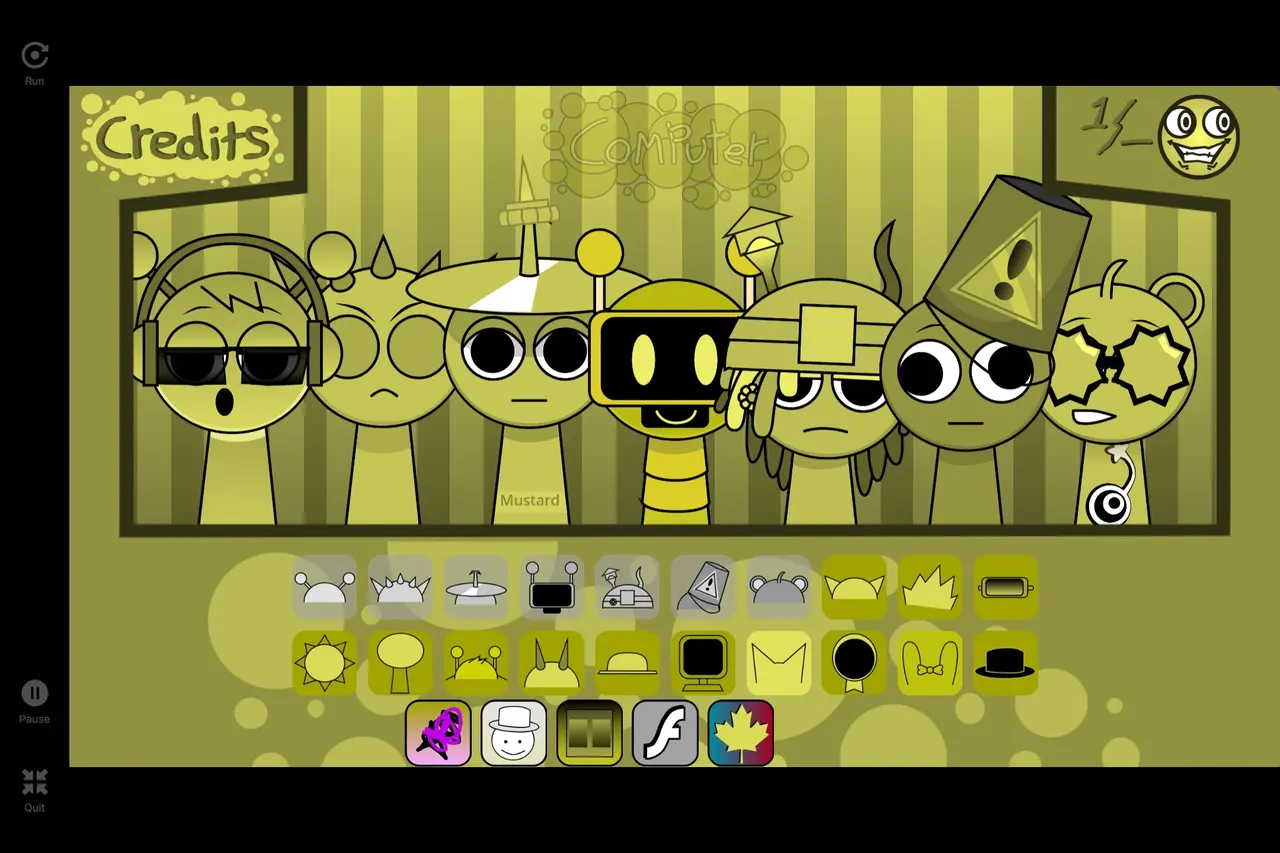
Twenty sound icons sit in two rows beneath the stage. Choose one, place it on a figure and then add another sound to a different slot. The picture shows the opening scene; the parent guide gives broader context for choosing a Sprunki activity.
Start with one sound
Click or tap inside the game, then drag the headphone-shaped icon at the left of the upper row onto an empty square-headed figure. Add other icons one at a time.
Drag with a mouse, or press an icon and slide it onto a figure on a touch screen. A landscape view gives the icons more room. If sound is blocked, tap inside the player and check the tab or device volume.
The first load includes about 53.85 MB of game data. Allow time on a slower connection and wait for the loading indicator before restarting.
Compare the opening art styles
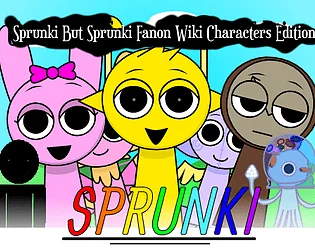
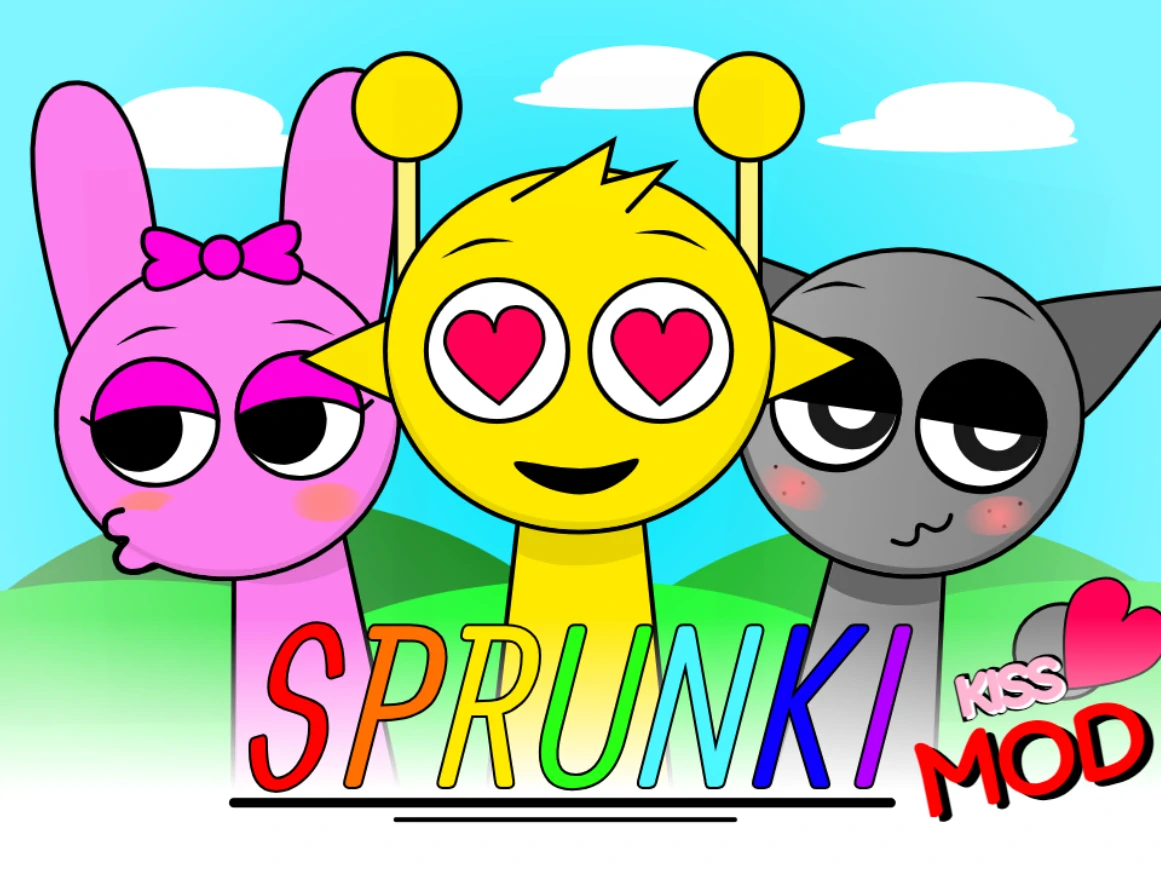
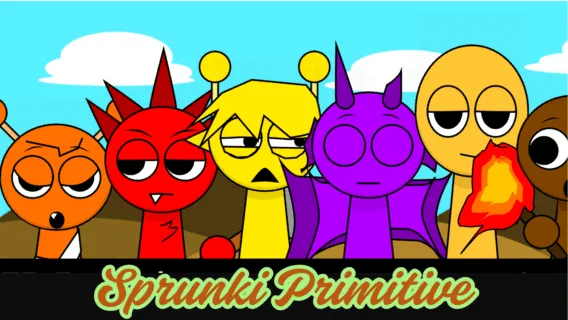
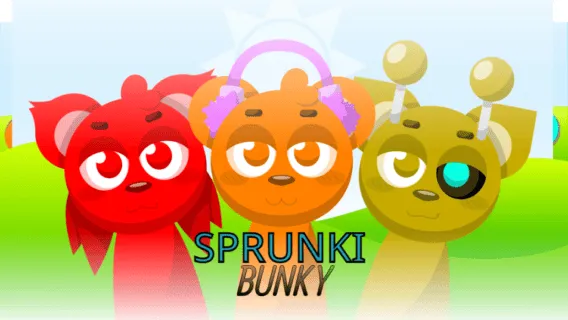
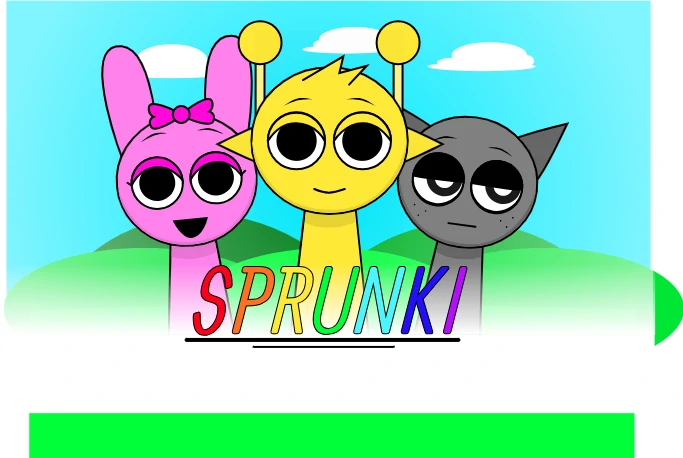
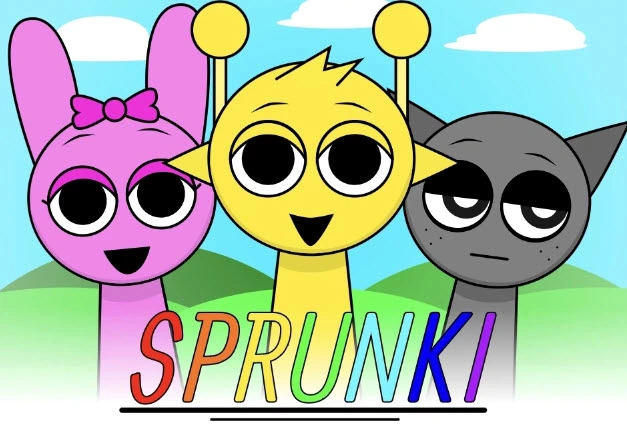
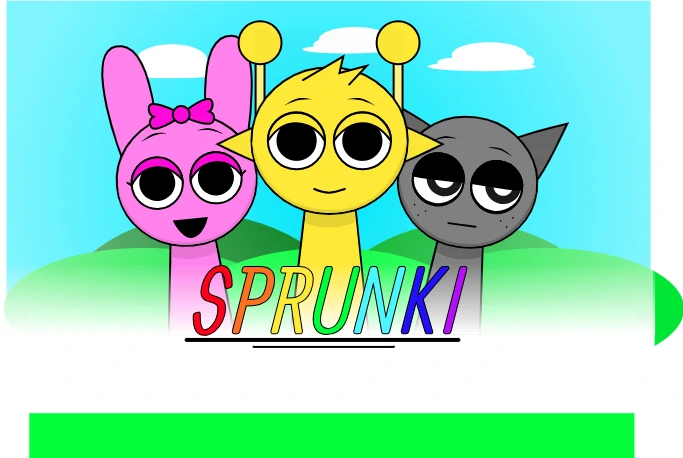
The standard Sprunki player has rounded figures and curved hills. This page and its Japanese language link open the same Minecraft-style game, with the same square character artwork.
Sprunki
Sprunki for parents
Layering & Combo Quest Arrangement Strategy in Sprunki Minecraft
Layer your arrangement in four clear frequency roles—kick pulse, crisp off-beat hat, warm bassline, and one memorable top melody—removing any slot that blurs the main rhythm. Because Sprunki Minecraft runs as a browser character beatbox build featuring loop-synchronized percussion, bass, synth chords, and expressive character vocals, leaving brief breathing space between solo phrases makes every character entrance hit harder when the bar loops back to beat one.
As you experiment on the stage, watch the Combo Quests badge tracker directly beneath the player controls: launching your first beat unlocks Rhythm Igniter, holding an active three-minute groove session completes Harmony Weaver, and testing a neighboring mod build unlocks the Multi-Mod Producer badge across your browser profile.
Mobile Performance & Beat Studio Workflow for Sprunki Minecraft
This Sprunki Minecraft build streams an archived project bundle of roughly 51.4 MB; while the stage downloads, you can tap the four instant Web Audio warm-up synth pads on the loader card to sketch a 120 BPM drum-and-bass groove with zero wait.
Because reloading the tab resets the live Scratch stage, note your favorite character slot order once a loop clicks—or jump into the 16-step Beat Maker Studio to program your own drum, sub-bass, and synth pattern that saves as a permanent shareable sprunki.com/mix link and exports a 15-second vertical video clip.
Create & Share Your Own Beat in Beat Maker Studio (/mix)
Open the Online Beat Maker Arcade Hub
Sprunki Minecraft: common questions
How does Sprunki Minecraft differ from other browser character beatbox build builds?
Sprunki Minecraft is hosted at /sprunki-minecraft with its own preserved character cast and loop bank. Always check the page URL and stage preview before copying a mix recipe from another version.
What is the cleanest way to layer characters in Sprunki Minecraft?
Start with one steady percussive pulse and one bass slot, wait for a full bar cycle, then add chordal and lead vocal icons one by one while muting any overlapping midrange loop.
Can I play Sprunki Minecraft on a phone, tablet, or school Chromebook?
Yes. Tap inside the player once to enable Web Audio, use the 4 warm-up pads while the 51.4 MB bundle finishes loading, and rotate phones to landscape for easier icon dragging.
How do I save or share a beat inspired by Sprunki Minecraft?
Stage arrangements reset if you reload the tab, so write down your character order or open sprunki.com/mix to sequence a 16-step track with a permanent share link and 9:16 video export.


Discuss sprunki
Which game did you play, and how did your mix turn out? Tell us below.
Loading comments…